Summarize this blog post with:
Quick Summary
Utilize Customer Relationship Automation to boost retention, improve response times, and enhance satisfaction. Discover the top tools and best practices transforming how modern businesses engage and grow with their customers.
Your sales rep sent a follow-up, three days late. The lead went cold. Your team spent two hours this week manually updating contact records instead of closing deals. Sound familiar?
These aren't just operational headaches. They are revenue leaks. And they are exactly what customer relationship automation is built to fix. By automating the repetitive, time-sensitive work that falls through the cracks, follow-ups, lead assignments, data entry, engagement sequences, your team gets back to what actually moves the needle.
This blog breaks down everything a growing business needs to know: what customer relationship automation really means, why the numbers behind it are hard to ignore, the best tools available right now, and the practices that separate teams that automate well from those that don't.
What Is Customer Relationship Automation?
At its core, customer relationship automation is the use of software to handle repetitive CRM tasks automatically. Think follow-up emails, lead routing, data updates, drip sequences, and engagement triggers, all running in the background without anyone manually initiating them.
- But here's the distinction that matters: it's not the same as simply using a CRM. A CRM is a database. Automation is what makes that database act. Without it, your team is still doing the work, just with better records.
- The shift automation enabled is significant. Instead of reacting to missed follow-ups after the fact, your system proactively nurtures every contact at the right time, through the right channel, based on their actual behaviour. It moves customer management from manual and inconsistent to always-on and personalised.
- If you're already evaluating CRM tools and trying to decide whether automation is worth the added investment, it is. The difference between a CRM you log in to and one that works for you is automation.
Why Customer Relationship Management Automation Matters?
1. Enhances Customer Experience: CRM automation allows businesses to send personalized, timely communications that resonate with customers at every touchpoint. Whether it's sending follow-up messages, reminders, or special offers, automation ensures consistency and relevance, improving customer satisfaction and loyalty.
2. Boosts Operational Efficiency: By automating repetitive tasks such as data entry, lead nurturing, and follow-ups, CRM systems free up valuable time for teams to focus on high-priority activities. This increased efficiency leads to better resource utilization and improved productivity across the organization.
3. Increases Sales Opportunities: With automated workflows, CRM systems help prioritize leads, manage follow-ups, and identify upsell or cross-sell opportunities. This streamlines the sales process, allowing sales teams to close deals faster and increase revenue, while reducing the chances of leads falling through the cracks.
Key Features of Automated Customer Engagement
Understanding the tools is one thing. Understanding what automated customer engagement looks like in practice helps you justify the investment internally.

Here are the core capabilities that drive real results:
- Automated lead-nurturing sequences and drip campaigns keep your brand in front of prospects without anyone having to hit send manually. A lead downloads a guide, enters a sequence, receives relevant content over the next two weeks, and a sales task is created when they click a pricing link. All of it, automatic.
- Behavioural triggers using if/then logic are where automation gets genuinely powerful. When a lead visits your pricing page three times, assign it to a senior sales rep. When a deal has been inactive for 10 days, send an automated check-in. When a customer hasn't engaged in 60 days, trigger a re-engagement sequence. These are not hypotheticals; they run 24/7 without anyone watching.
- Personalised communication at scale solves the tension between volume and relevance. Automation tools use CRM data, name, company, last interaction, and deal stage, to personalise every message. Your contact receives something that feels written for them, even when it was triggered by a rule.
- AI-driven customer segmentation and scoring means your team focuses time on the right people. Rather than treating every lead equally, AI ranks them by conversion likelihood, industry fit, engagement level, and behaviour, so your highest-value prospects get the fastest response.

Top CRM Automation Tools for Customer Relationships
Choosing the right tool for crm automation comes down to your team size, existing stack, and how you engage customers. Here are three tools doing it well right now:
1. HelloSend
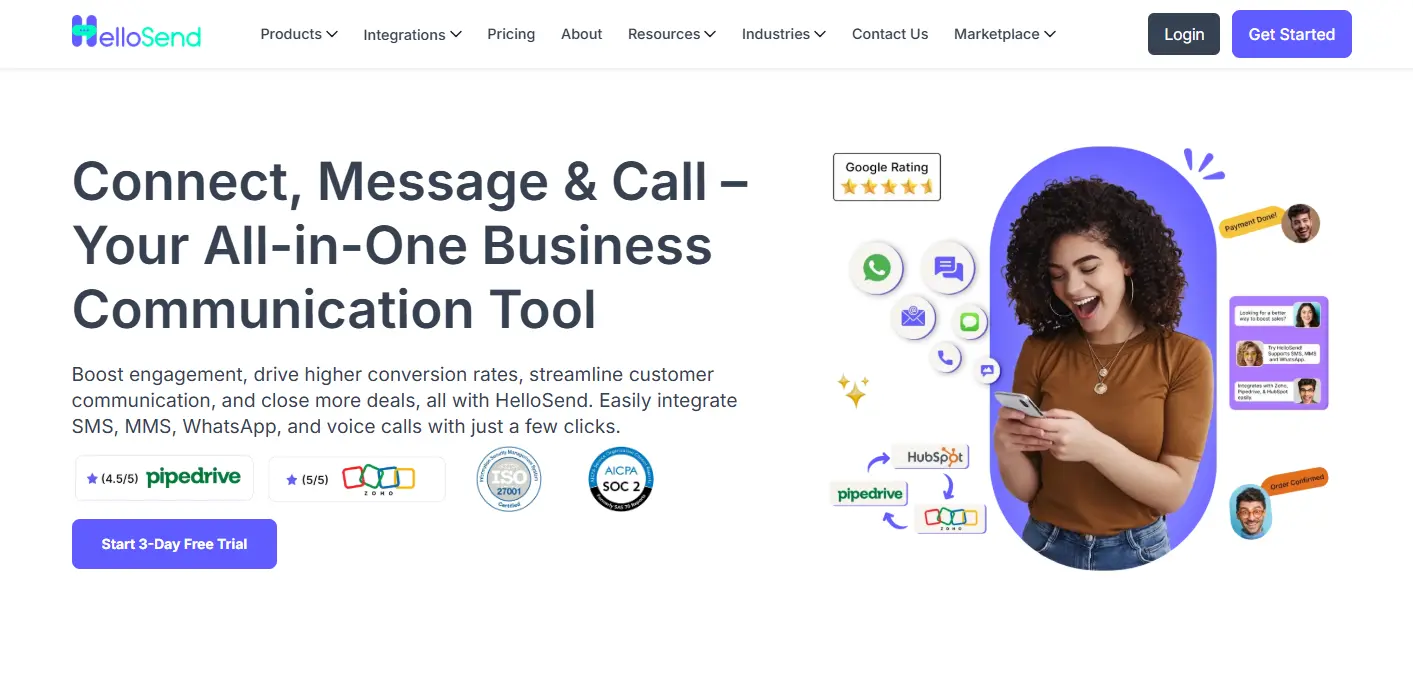
When it comes to revolutionizing your customer communication, HelloSend stands out as the ultimate automated messaging tool. With its user-friendly interface and powerful features, HelloSend allows businesses of all sizes to automate SMS notifications seamlessly, ensuring timely and personalized communication without the hassle.
With this tool, you can explore the following things:-
HelloSend isn’t just about sending messages; it's about improving customer relationships and boosting customer retention. By automating your communication, HelloSend helps you stay connected with customers, reduce errors, and focus on what truly matters: growing your business.
Standout Features:
Best For: Sales and customer success teams that want to automate multi-channel outreach without replacing their existing CRM.

2. HubSpot CRM

HubSpot is a comprehensive all-in-one CRM solution that covers marketing, sales, and customer service automation. It simplifies workflows by natively integrating various functions, reducing the need for additional tools and integrations.
Features:
- An AI assistant that helps research prospects, summarize CRM records, and generate follow-up content.
- Workflow automation for tasks like email, deal stages, and internal notifications.
- Lead scoring, behavioral tracking, and automated email sequences.
- Offers over 1,500 integrations, including Salesforce, Slack, Gmail, and LinkedIn Ads.
- Free CRM for up to 1 million contacts, with paid plans starting at $20 per user per month.
Best For: B2B companies and SaaS teams looking for a unified sales, marketing, and support platform.
3. Freshsales (by Freshworks)

Freshsales provides small teams with access to AI-powered automation typically available to larger enterprises. Its Freddy AI layer enhances the CRM with intelligent features such as predictive lead scoring and behavior-based sequencing, going beyond simple rule-based triggers.
Key Features:
- Freddy AI scores leads based on their likelihood to convert and automatically identifies high-intent prospects.
- Automated sales sequences that adapt based on how contacts engage with them.
- Real-time behavior tracking (email opens, website visits, link clicks) that directly influences automation rules.
- Free plan for up to 3 users, with the Growth plan starting at $9 per user per month.
Best For: Small and mid-sized teams seeking AI-driven automation without the high cost of enterprise-level platforms like Salesforce.
Best Practices for Customer Relationship Automation
Getting the tools right is only half the job. Here's how to make customer relationship automation actually work:

1. Clean Your Data
Automation amplifies whatever is already in your system. Dirty data, duplicates, missing fields, and incorrect contact details mean your automated sequences go to the wrong people with the wrong message. Before you build a single workflow, audit your CRM. Clean it up. Standardise your field names and entry formats. Automation built on good data delivers results. Automation built on bad data creates noise.
2. Map Your Journey
Not every contact needs the same sequence. A cold lead at the awareness stage needs educational content. A warm lead who's visited your pricing page three times needs a direct conversation. Build separate workflows for separate journey stages, and make sure the messaging matches where the buyer actually is, not where you want them to be.
3. Test Before Deploying
Run your automation on a small segment first. Check that triggers fire correctly, that personalisation tokens pull the right data, and that the timing feels natural rather than robotic. A workflow that sends a "welcome" email two weeks after someone signs up isn't a welcome email. Test, review the output, fix what's off, then scale.
4. Keep Humans Involved
The goal of automation isn't to remove humans from the process; it's to free them up for the moments that actually need a human. High-value deals, complaint escalations, and renewal conversations should involve a real person. Automation handles the volume. People handle the relationship. Keeping that balance is what separates teams that build loyalty from those that just generate transactions.
5. Track and Refine
Open rates, reply rates, conversion rates by sequence, deal velocity, these tell you what's working and what's just running. Review your automation performance monthly. Kill what isn't converting. Double down on what is. Automation isn't a set-it-and-forget-it system. It's a machine that improves the more you pay attention to it.
Conclusion
Missed follow-ups, inconsistent outreach, and manual data entry aren't symptoms of a lazy team; they're symptoms of a system that hasn't been built to scale. Customer relationship automation gives businesses the infrastructure to engage every lead, at the right time, through the right channel, without it all falling on someone's to-do list.
The tools exist. The best practices are proven. What separates businesses that grow with automation from those that just pay for it is intentional implementation, clean data, mapped workflows, and a commitment to reviewing what's working.
If you haven't yet evaluated where automation fits in your current CRM setup, now is a good time to start. Whether you're looking at multi-channel outreach with HelloSend. Contact us now!

FAQs
1. What is the difference between CRM automation and marketing automation?
Marketing automation focuses on generating leads, creating ads, running email campaigns, and building landing pages. CRM automation manages what happens after, including follow-ups, deal updates, task assignments, and ongoing customer communication throughout the sales cycle.
2. How do I know if my business is ready for customer relationship automation?
If your team is missing follow-ups, spending too much time on manual data entry, or struggling to stay consistent as your contact list grows, you're ready. A clear sales process and a basic CRM is all you need to start.
3. Which CRM automation tool is best for small businesses?
For multi-channel outreach, HelloSend. For an all-in-one free-tier platform, HubSpot CRM. For affordable AI-powered automation, Freshsales is also fine. Start simple and expand as your process grows.
4. How long does it take to set up automated customer engagement workflows?
A basic follow-up sequence can be live in a few hours. A full multi-stage workflow typically takes one to two weeks to map, build, and test properly. Once it's running, it needs minimal ongoing maintenance.
5. Can customer relationship management automation work without a dedicated CRM platform?
It can, but not well. Without a central CRM, your automation has no unified data to personalise from. Even a free plan from HubSpot or Freshsales gives you the foundation needed to make automation actually work.