.jpg)
Summarize this blog post with:
Quick Summary
WhatsApp Teams integration lets businesses send and receive WhatsApp messages in Microsoft Teams, improving communication workflows and collaboration without switching apps.
Many companies use multiple communication methods like email, chat apps, project management tools, etc. Maintaining smooth communication becomes even more challenging for teams working remotely or across departments.
One solution to simplify this process is WhatsApp Teams Integration. It is one of the most popular messaging apps worldwide, with Microsoft Teams. This combination combines WhatsApp’s widespread usage with the robust collaboration tools offered by Teams.
According to the data, your customers are 3x more likely to engage when messages are sent in real-time.
Integrating WhatsApp with Microsoft Teams allows businesses to centralize their communications, improve response times, and enhance productivity.
This blog will explore why integrating WhatsApp and Microsoft Teams will be good choice for your business and many more things.
Let's get going!
Why WhatsApp Integration Is A Game-Changer For Teams?
The following are the top 3 reasons why your business needs WhatsApp integration:-
1) Centralized Team And Customer Conversations
The biggest advantage of integrating WhatsApp with Microsoft Teams is the ability to centralize all communications into one platform. Teams no longer have to switch between multiple tools to interact with colleagues or customers. It really improve customer relation.
Whether it's a chat message, an email, or a WhatsApp conversation, everything can be managed in a single, organized location. This helps businesses avoid missing important messages and keeps all stakeholders on the same page.
2) Faster Response Times
Integrating WhatsApp with Microsoft Teams also improves response times. Automation tools allow businesses to send quick replies or route messages to the appropriate team members without delay.
This ensures that queries from customers or team members are addressed promptly, without waiting for someone to manually respond to each sms text. Additionally, real-time collaboration features within Teams allow multiple team members to respond to a conversation simultaneously, making it easier to manage high volumes of messages.
3) Boosting Productivity
Another significant benefit of WhatsApp for Microsoft Teams integration is how it connects with other essential business tools. Integration with Customer Relationship Management (CRM) systems, project management platforms, and other important business tools can help teams streamline workflows and eliminate redundant processes.
It creates a seamless environment for collaboration, making it easier to handle customer queries, track progress, and share updates without leaving the Microsoft Teams platform.
Key Features Of WhatsApp Teams Integration

1) Shared Inbox
A shared inbox is one of the standout features of integrating WhatsApp with Microsoft Teams. This feature allows teams to collaborate on incoming messages, ensuring that no query goes unanswered. All team members have visibility over conversations, reducing the chances of duplicate responses or missed inquiries.
2) Automated Responses
Automation is a key component in improving response times and efficiency. With automated replies, businesses can set up quick responses for common customer queries or team notifications, reducing the manual effort involved. Moreover, you can select any automated texting software to boost productivity.
3) CRM Integration
Integrating WhatsApp with your CRM system helps keep track of customer interactions, support tickets, and follow-ups directly within Teams. This feature allows businesses to easily access customer data, understand the context of the conversation, and provide personalized support quickly.
4) Multi-Device Support
WhatsApp on Microsoft Teams also allows for multi-device support. Team members can respond to messages from different devices, whether it’s their laptop, tablet, or mobile phone. This makes it easier for teams to remain connected, regardless of where they are or which device they’re using.
5) Analytics and Reporting
Another feature of the WhatsApp Teams integration is built-in analytics and reporting. Teams can track response times, customer satisfaction, and message volumes, helping them evaluate the efficiency of their communication processes. With these insights, businesses can continuously optimize their approach to enhance customer interactions and team collaboration.
Top 6 Tools For WhatsApp and Microsoft Teams Integration
Selecting the right tool can be confusing. We have chosen the top 6 tools for smooth WhatsApp Teams Integration.
So, let’s check it out:-
Tool 1: HelloSend
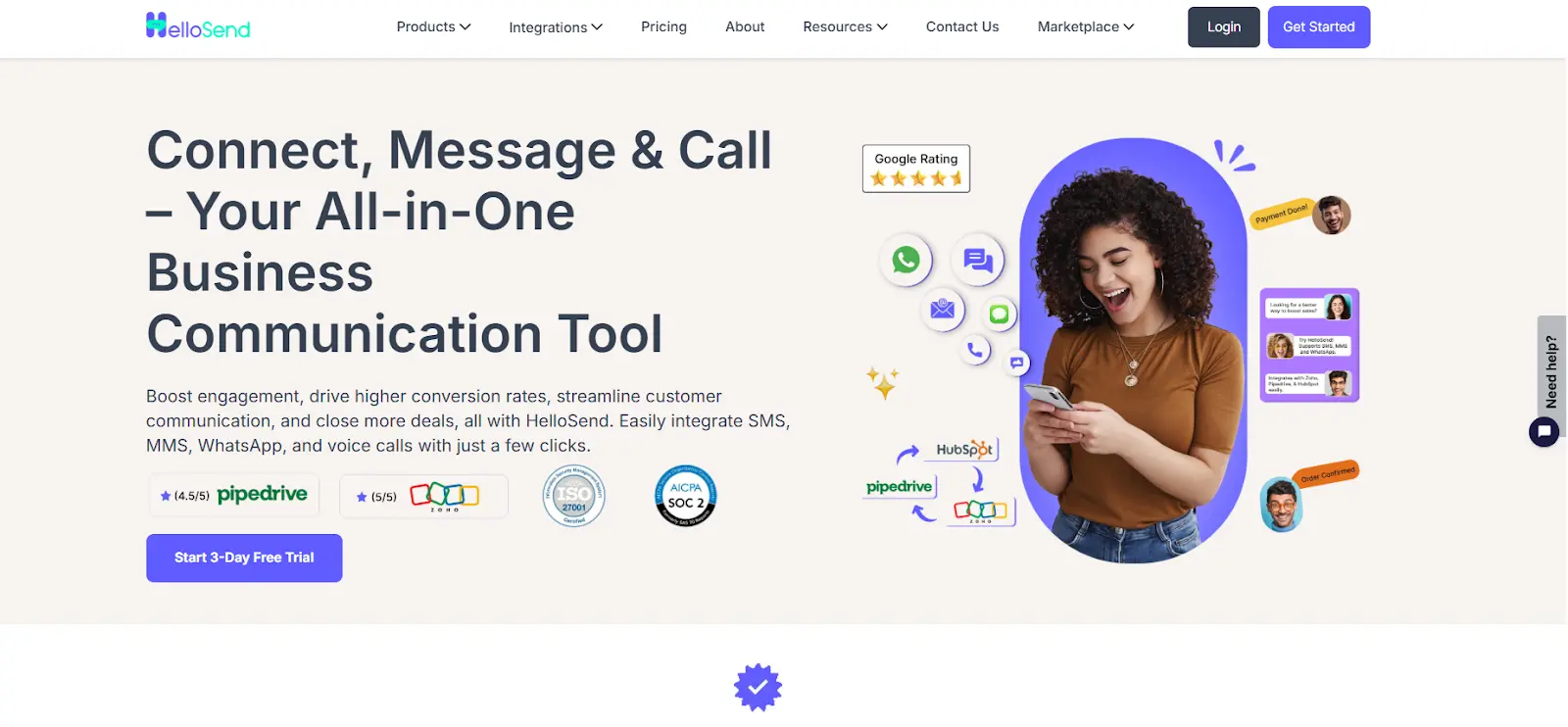
Overview
HelloSend is an all-in-one solution designed to smooth business communications. It is recognized as one of the best tools for Microsoft Teams integration.
With its user-friendly dashboard, HelloSend facilitates smooth and fast SMS texting, ensuring instant customer reach. This tool also offers these following solutions:-
Its capability to send customized messages and quick updates allows businesses to engage customers at the perfect moment, boosting response rates and loyalty.
Key Features Of HelloSend
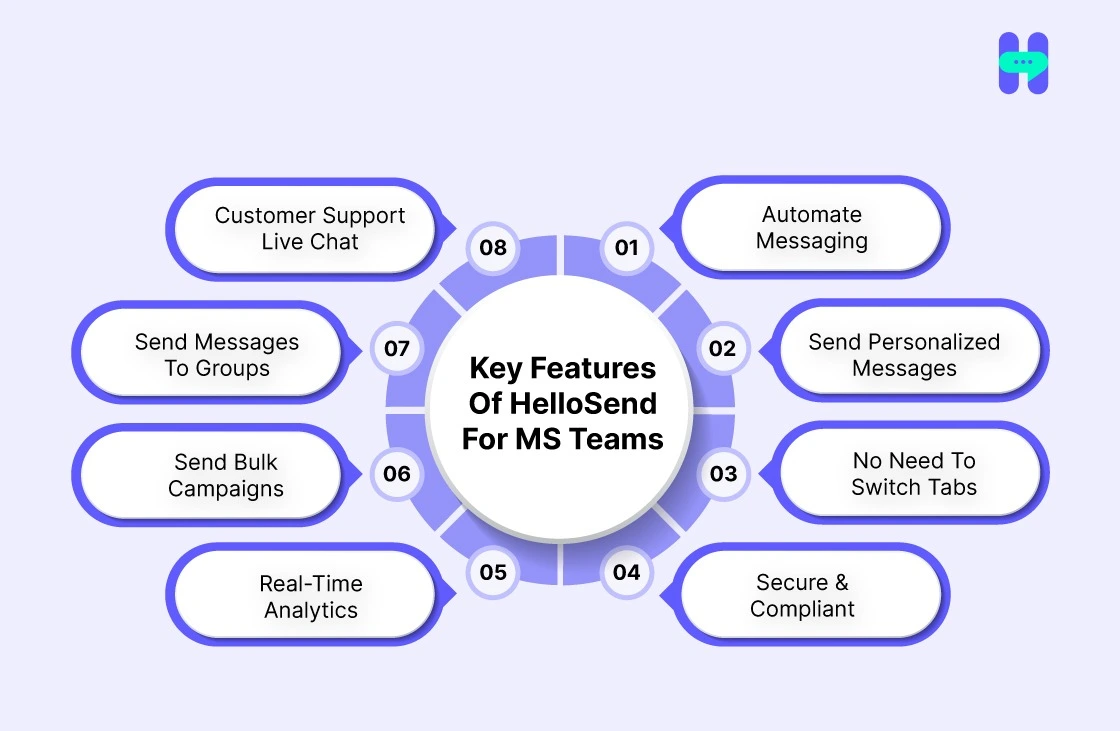
- Automate Messaging: Simplify your communication by automating your SMS messages. Set up automatic reminders, updates, and alerts to save time and ensure your messages are sent on time.
- Send Personalized Messages: Connect with your customers on a deeper level by sending tailored, personalized messages. HelloSend allows you to customize every message for more effective communication.
- No Need To Switch Tabs: Manage all your communication directly within Microsoft Teams. Say goodbye to juggling multiple apps. HelloSend integrates everything into one platform for a smoother experience.
- Secure & Compliant: With HelloSend, your messages are safe and compliant. We adhere to the highest security standards to ensure your communication remains private and compliant with industry regulations.
- Real-Time Analytics: Track and monitor the performance of your SMS campaigns with real-time analytics. Gain insights into open rates, engagement, and delivery success to improve future messaging.
- Send Bulk Campaigns: Reach a larger audience quickly by sending bulk SMS campaigns directly through Microsoft Teams. Perfect for promotions, reminders, and updates, all sent in just a few clicks.
- Send Messages to Groups: Easily send SMS messages to specific groups, whether it's your team or customer segments. This feature ensures you reach the right people with the right message at the right time.
- Customer Support Live Chat: Need help? Our live chat customer support is available to assist you in real time. Get quick solutions and answers to your questions whenever you need them.
Pricing

HelloSend offers flexible pricing plans to suit your business needs. Whether you are just starting or looking to scale, we have got you covered.
Check out our HelloSend pricing plans to find the perfect plan for your business and get started today!

Tool 2: MessageBird

MessageBird connects businesses to global customers across multiple channels, including WhatsApp, SMS, and email. It offers an easy-to-use integration with Microsoft Teams for a more unified approach to team communication.
Pricing: MessageBird offers flexible pricing based on usage, with pay-as-you-go and subscription models to suit businesses of all sizes.
Tool 3: WATI

WATI is a tool for WhatsApp integration with Microsoft Teams. It helps businesses automate customer support and manage conversations in an organized manner, improving productivity.
Pricing: WATI offers various pricing plans based on the number of users and features required, with both starter and enterprise options.
Tool 4: Respond.io
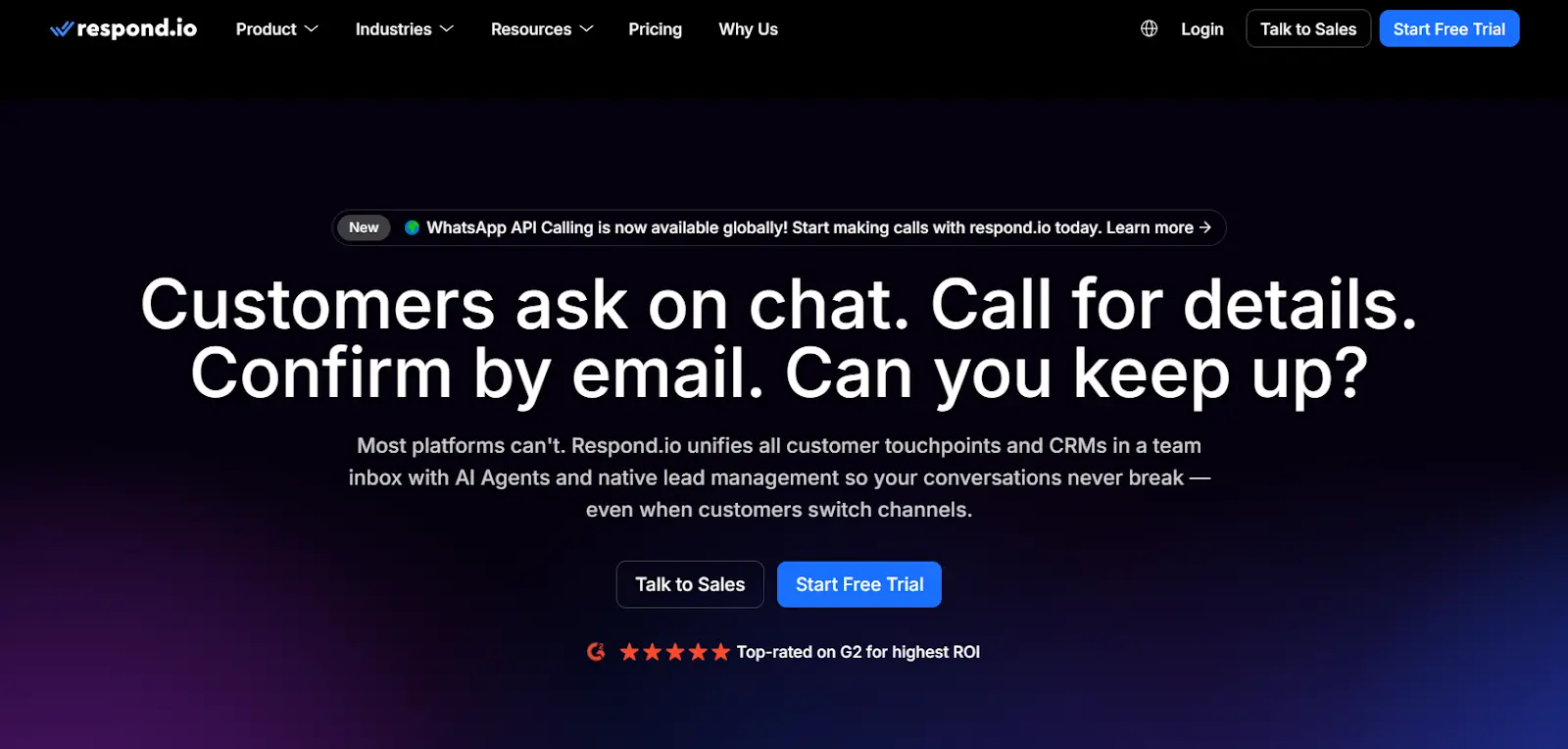
Overview
Respond.io is a powerful tool that enables seamless integration of WhatsApp with Microsoft Teams and other messaging platforms. It helps businesses centralize communications, manage chats, and automate workflows, improving customer engagement and team collaboration.
Pricing: Respond.io offers tiered pricing plans based on the number of users and features, with a free plan for small teams and scalable options for businesses of all sizes.
Tool 5: Zoko
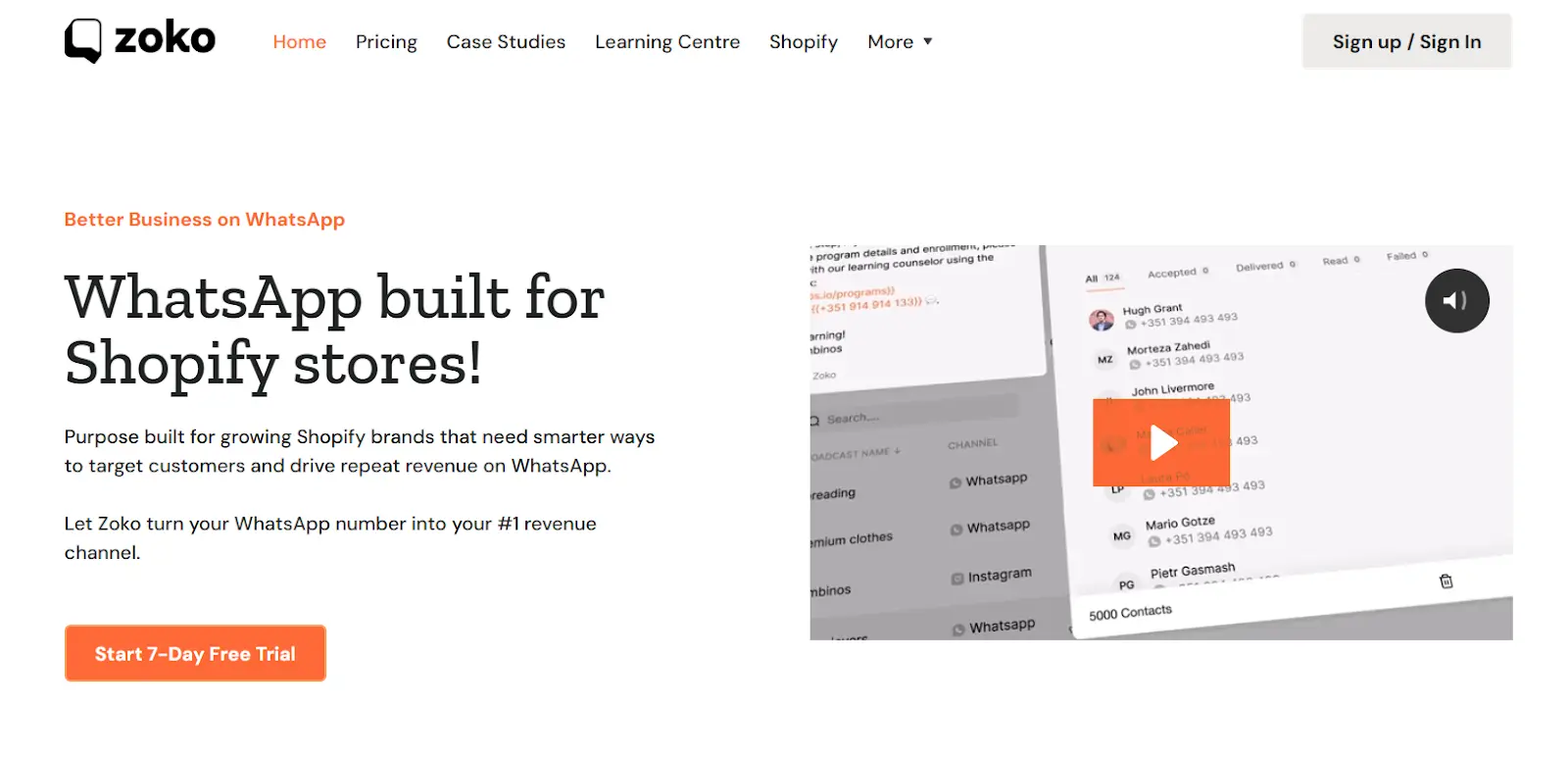
Overview
Zoko integrates WhatsApp with Microsoft Teams, enabling businesses to manage customer support directly from Teams. This tool provides features like automated messaging, real-time collaboration, and customer segmentation, making it a great solution for streamlining communication.
Pricing: Zoko offers flexible pricing with packages tailored to team size and required features, including options for small businesses and enterprise-level solutions.
Tool 6: Trengo
Overview
Trengo integrates WhatsApp and Microsoft Teams into a single unified inbox, allowing businesses to handle customer inquiries, chats, and support requests directly in Teams. This tool enhances team collaboration and ensures a smooth, organized workflow for customer service teams.
Pricing: Trengo offers multiple pricing plans, including a basic plan for small teams and scalable options that grow with your business, providing premium features at higher tiers.
Best Practices - The Benefits Of WhatsApp Teams Integration
1) Train Your Team
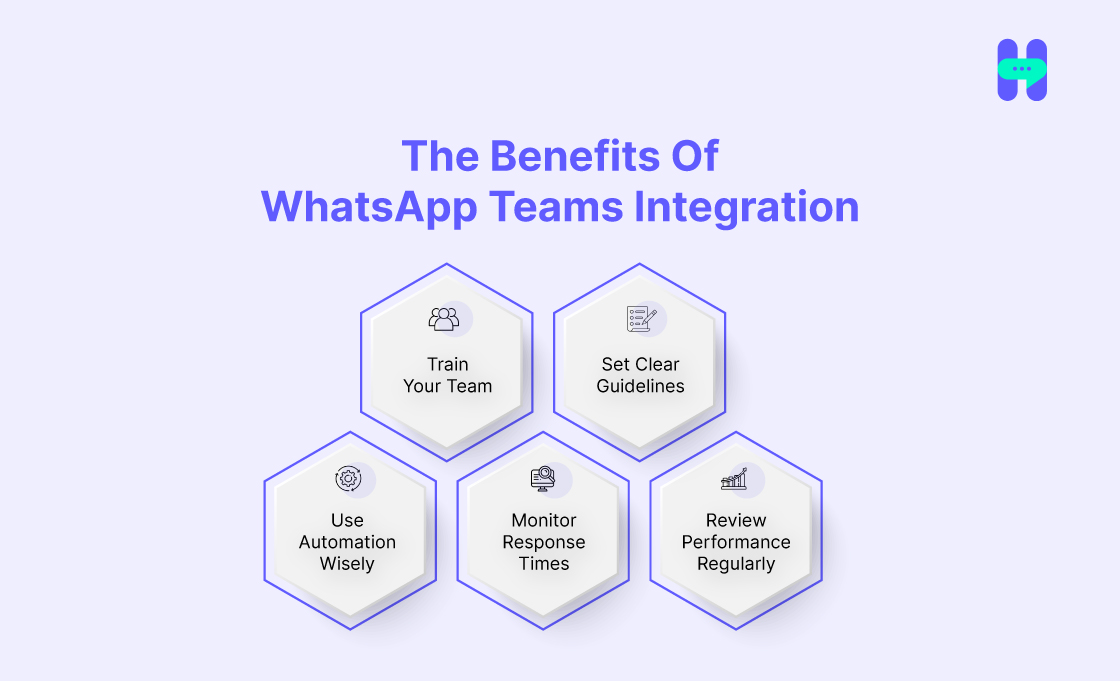
Ensure that all team members are familiar with the integration tools and how to use them effectively. Proper training will help them understand how to manage WhatsApp communications within Microsoft Teams and ensure smooth communication across platforms.
2) Set Clear Guidelines
Establish clear guidelines for how teams should handle WhatsApp messages. Set expectations for response times, escalation procedures, and the appropriate use of automated messages to maintain a professional and efficient communication flow.
3) Use Automation Wisely
While automation can greatly enhance efficiency, it’s essential to use it strategically. Set up automated responses for frequently asked questions, but ensure that customers always have the option to escalate to a human agent when necessary. Additionally, you can use an automated texting software for smooth working.
4) Monitor Response Times
Tracking response times is crucial to ensuring your team meets customer expectations. Use Teams' built-in analytics to measure how quickly your team is responding to messages and make adjustments if necessary.
5) Review Performance Regularly
Review performance reports regularly to identify areas for improvement. Teams can continuously optimize their communication processes by tracking metrics such as response rates, customer satisfaction, and message volumes.
Wrap Up
The WhatsApp Teams Integration is a game-changer for businesses looking to streamline their communication. Teams can significantly boost their productivity and improve customer support by centralizing conversations, automating responses, and integrating essential business tools.
With a tool like HelloSend, businesses can fully leverage this integration to optimize their communication processes. Moreover, it helps to boost customer retention.
Seamless communication is the foundation of a successful team, and WhatsApp Teams integration offers the tools needed to enhance collaboration and drive productivity.
If you're ready to improve team collaboration, consider integrating WhatsApp with Microsoft Teams today.

FAQs
1) Can multiple team members use WhatsApp Business together?
Yes, multiple team members can manage a single WhatsApp Business account by using WhatsApp's Business API, which integrates with tools like Microsoft Teams.
2. How does Microsoft Teams WhatsApp integration benefit businesses?
This integration helps businesses streamline customer support and internal collaboration by managing WhatsApp conversations and Teams chats in one central hub, improving productivity and response times.
3) Is WhatsApp Business secure for team communication?
WhatsApp Business uses end-to-end encryption, ensuring that all communication is secure. Additionally, doing Microsoft Teams integration by using all in one solutions CRM Messaging tool like HelloSend offers added security features for managing sensitive customer data.
4) Can WhatsApp Teams Integration connect with CRM systems?
Yes, WhatsApp Teams Integration can be connected with popular CRM systems using tools like HelloSend to manage customer interactions, track communication history, and streamline support efforts.
5) What automation features are available with WhatsApp Teams Integration?
WhatsApp Teams Integration offers automated responses for frequently asked questions, message routing, and notification alerts, allowing teams to streamline customer communication.