Summarize this blog post with:
Quick Summary
Learn how to connect Zoho CRM to WhatsApp in 2026, automate customer messaging, streamline support conversations, and boost response times, making communication faster, smarter, and more efficient.
As customer expectations grow, the need for more direct communication becomes more apparent. And quick communication with your customers is the key to success. This is where Zoho CRM WhatsApp Integration comes in. It is a game-changing solution for businesses.
According to recent statistics, over 3 billion people use WhatsApp monthly, so it's no surprise that this app has become one of the top choices for communication.
In this blog, you will discover how to set up Zoho WhatsApp Integration with the best CRM solution for businesses. By the end of this blog, you will get a proper idea about why Zoho CRM integration is needed and other important things.
Here we go!
Why Zoho CRM WhatsApp Integration Is Essential in 2026
As businesses adapt to the needs of modern consumers, integrating tools like Zoho CRM WhatsApp Integration is no longer optional. It’s become a necessity.
Here are several reasons why this integration is essential for your business in 2026:
1) Better Customer Engagement
Customers expect quick and easy communication with businesses. WhatsApp is a real-time messaging platform. That allows enterprises to respond instantly to customer inquiries, improving engagement levels.
You can also use the best customer engagement strategies to reach them. By integrating WhatsApp with Zoho CRM, your business can offer customers a more interactive and responsive experience, ensuring they feel heard and valued.
2) Easier Communication
Traditional communication methods, such as email or phone calls, can often lead to delays or missed connections. WhatsApp is simple to use and globally accepted. It allows real-time messaging, voice notes, and video calls to connect with your customers.
Integrating it with your Zoho CRM ensures that all communication history is centralized, making it easier for your team to track customer interactions and improve service.
3) Automated and Personalized Messages
With WhatsApp Integration in Zoho CRM, you can send automated, personalized messages based on customer data stored in Zoho CRM. Automated responses can be triggered for common queries or notifications.
You can use automated texting software to save your team time while providing customers with immediate responses. Personalization ensures that each customer feels valued with tailored communication.
4) Higher Sales Conversion
The integration of WhatsApp with Zoho CRM enhances lead nurturing by ensuring prompt follow-ups and timely communication. Quick responses increase the likelihood of converting leads into customers.
Additionally, businesses can leverage WhatsApp’s rich media capabilities to share product images, promotional offers, and more, helping to boost conversions.

5) Cost-Effective Communication
WhatsApp offers a more affordable alternative to traditional phone calls or SMS. When integrated with Zoho CRM, businesses can simplify their communication channels. And reduce operational costs by eliminating the need for multiple communication tools.
Benefits of Integrating Zoho CRM With WhatsApp
The following are the top 5 benefits of Zoho CRM WhatsApp Integration. Let's understand it:-

1) Faster Customer Response
One of the most significant advantages of integrating WhatsApp with Zoho CRM is the speed of response, which can also help boost customer retention. With WhatsApp, your team can reply to customer inquiries instantly, eliminating the typical delays associated with emails or phone calls.
2) Automated Messaging
Automating responses through Zoho WhatsApp CRM Integration helps businesses manage communication even during off-hours. Automated replies for common queries, appointment reminders, and order updates ensure that customers always receive timely responses.
3) Centralized Communication
Zoho CRM and WhatsApp integration allows businesses to manage all customer communication from a single platform. This centralization makes it easy for teams to track conversations, provide consistent support, and collaborate more effectively.
4) Better Tracking And Reporting
WhatsApp integration with Zoho CRM allows businesses to track customer interactions, measure response times, and assess the quality of communication. This data provides valuable insights into customer behavior and helps companies to optimize their communication strategies for better results.
5) Increased Sales
Businesses can address customer concerns and close deals faster by enabling immediate and seamless communication. Moreover, integrating Whatsapp Zoho CRM Business Marketing lets companies send personalized offers and reminders to potential leads.
The Best Zoho WhatsApp Integration Solution: HelloSend
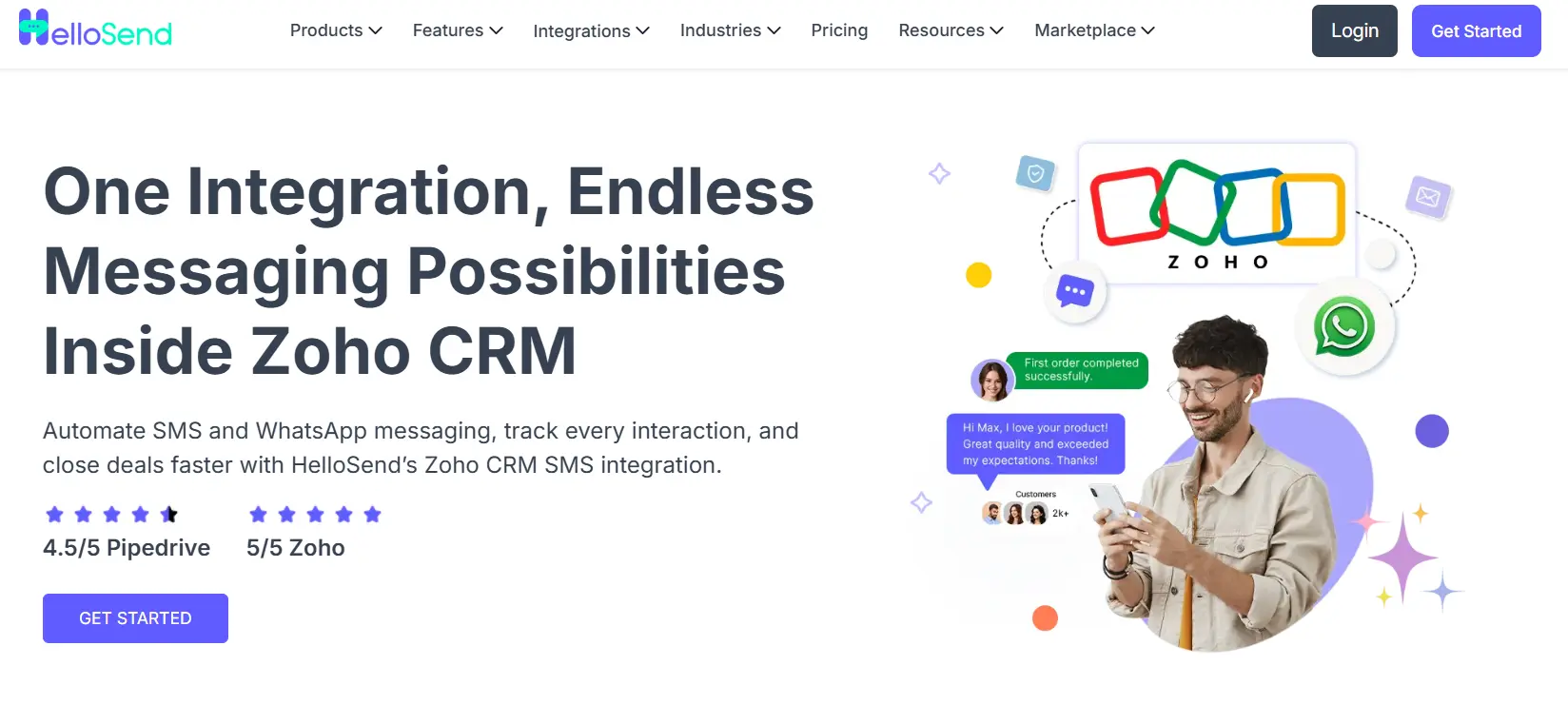
While there are several options for Zoho WhatsApp Integration, HelloSend stands out as one of the best solutions. HelloSend makes the process of connecting WhatsApp to Zoho CRM seamless, reliable, and scalable.
Here’s why HelloSend is a top choice:
Other Integrations
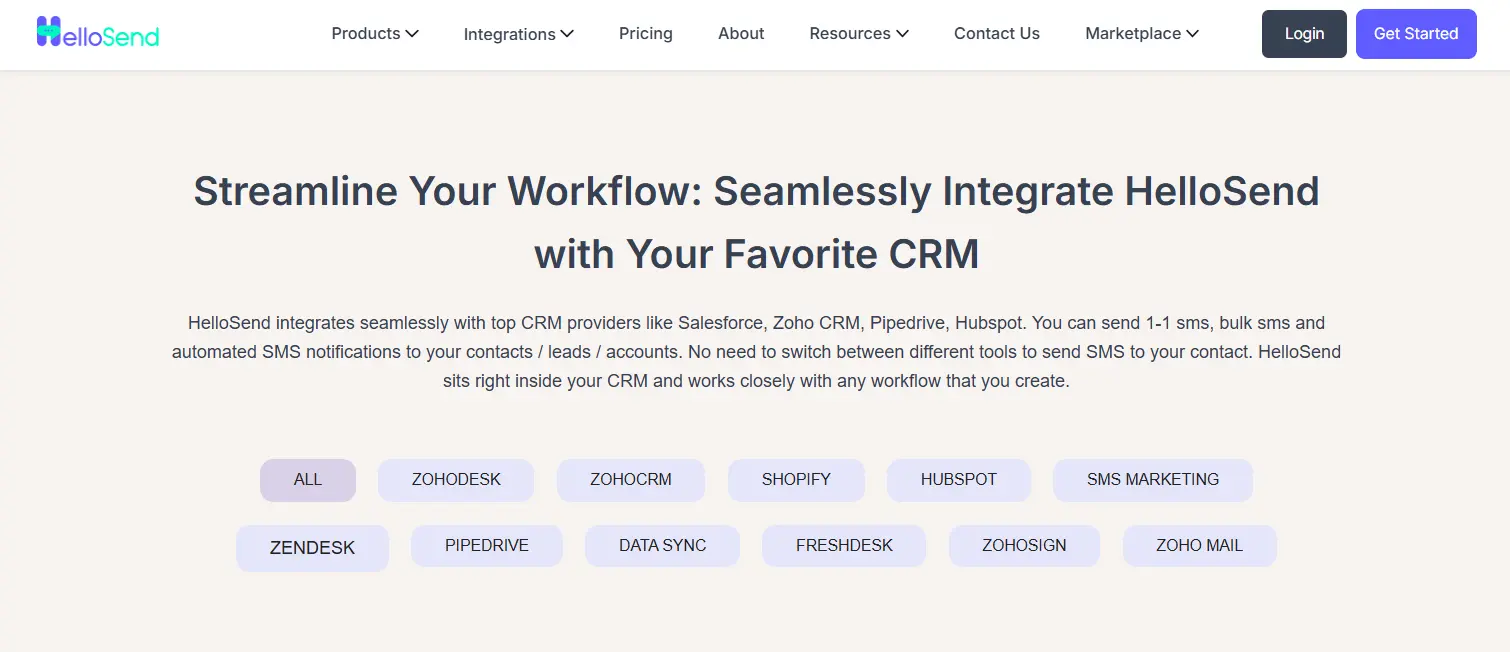
HelloSend integrates with various other tools, including CRM and marketing platforms. Check out all the integrations here: Hellosend Integrations.
Pricing
HelloSend offers straightforward pricing designed to scale with growing communication needs. Businesses can also expand usage by adding users, while custom pricing is available for larger teams requiring higher volumes.
To learn more, click on HelloSend’s pricing plans.

How To Set Up Zoho WhatsApp Integration Using HelloSend
Integrating WhatsApp CRM with Zoho CRM through HelloSend is easy.
Follow these steps to get started:
How to integrate WhatsApp with Zoho CRM.
Step 1: Create a WhatsApp Business Account
Before integrating WhatsApp with Zoho CRM, you need to create a WhatsApp Business Account. This account will serve as the gateway for managing customer interactions via WhatsApp.
Step 2: Register for WhatsApp Business API Access
Once your WhatsApp Business Account is set up, you need to apply for the WhatsApp Business API. This API will allow your Zoho CRM system to connect with WhatsApp and send messages to customers.
Step 3: Install the HelloSend App from Zoho Marketplace
Go to the Zoho Marketplace and install the HelloSend app. This app will allow you to integrate your WhatsApp Business Account with Zoho CRM seamlessly. Click here to install HelloSend.
Step 4: Link Your WhatsApp Business Account to HelloSend
Once the app is installed, link your WhatsApp Business Account to HelloSend. This will enable HelloSend to manage and automate your WhatsApp messages directly from Zoho CRM.
Configure automated processes in Zoho CRM to simplify workflow tasks and improve efficiency.
Step 5: Configure WhatsApp Settings Within Zoho CRM
Finally, configure your WhatsApp settings within Zoho CRM. Set up message templates, automated workflows, and notifications to ensure smooth customer communication.
To create a workflow in Zoho CRM, follow these steps:
- Create a template triggered when conditions are met.
- Configure workflow rules based on your specified conditions.
1) How To Create Templates?
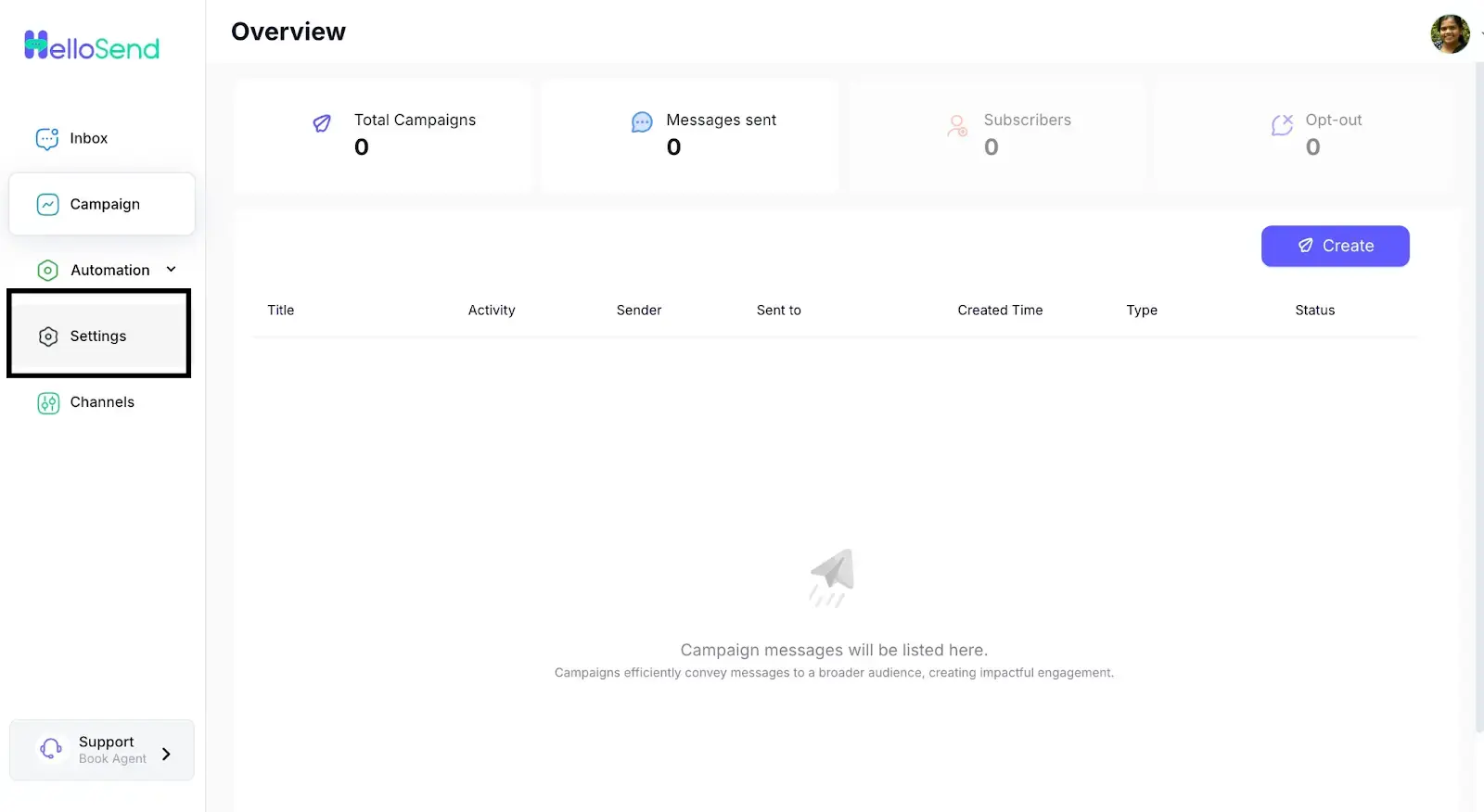
1. Open Settings: Go to Settings.
2. Choose Template: Click on Template
3. Add Template: Click on Add Templates
4. Fill Message: Select the module and fill in the message.
5. Add Images: Click to add images to the template
6. Pick Images: Select images
7. Click Add: Click the Add button
2) How do you set up workflow rules in Zoho CRM?
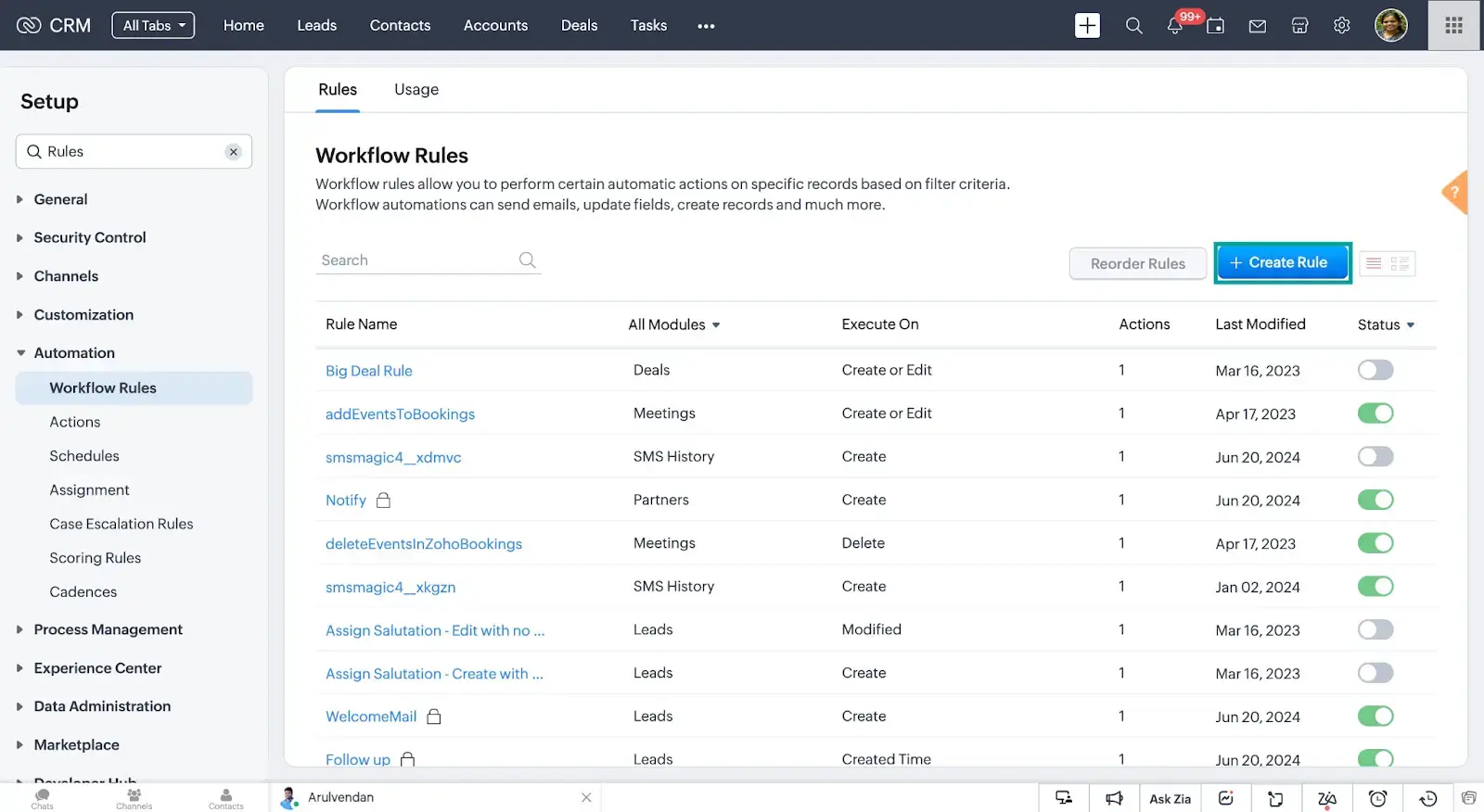
1. Create Rule: Click the Create Rule button.
2. Select Module: Select a module, enter a rule name, and click 'Next.'
3. Choose Trigger: Choose the trigger action and click 'Next.'
4. Enter Value: Enter the value Next.
5. Select Action: In Instant Actions, select HelloSend to send an SMS.
6. Send SMS: Enter the value in the Send SMS form and click on Create Webhook URL.
7. Save Value: Enter the value Save.
8. Workflow Active: The workflow will be saved, and its status will be set to Active.
9. Update Stage: Navigate to any deal and update the stage to trigger the SMS.
10. Check Trigger: Go to the Saved Workflow Rules to check if the trigger is successful.
11. Confirm Success: Changed two deals; the trigger happened twice with success.
To understand it more deeply, check out this: Automate SMS/WhatsApp messages in Zoho CRM.
Moreover, if you want to connect your WhatsApp business account to HelloSend, click here!
Tips For Maximizing The Potential Of Zoho WhatsApp Integration
To fully utilize Zoho CRM WhatsApp Integration, here are a few tips to maximize its potential:
- Personalize Customer Interactions: Use customer data from Zoho CRM to tailor each message you send on WhatsApp. Personalized communication boosts customer satisfaction and improve customer relation.
- Automate Common Interactions: Automate responses to frequently asked questions, appointment reminders, and order updates. This will save time and ensure that customers always get the necessary information.
- Segment Your Audience: Use Zoho CRM to segment your audience based on demographics, behavior, and preferences. Send targeted WhatsApp messages that are more likely to convert leads into customers.
- Monitor And Improve: Track engagement metrics like response, message open rates, and customer feedback. Use this data to optimize your communication strategies and improve the overall customer experience.
Final Words
Lastly, businesses can no longer afford to miss out on the potential of Zoho CRM WhatsApp Integration. By integrating WhatsApp with Zoho CRM, companies can effectively boost customer engagement.
If you are looking for an affordable solution for CRM integration, then you must go with HelloSend. It makes the integration process efficient and straightforward, allowing businesses to focus on what matters most.

FAQs
1) How can I integrate WhatsApp with my CRM system?
You can integrate WhatsApp with your CRM using the WhatsApp Business API and a WhatsApp integration platform. This allows you to sync customer conversations, automate notifications, track interactions, and manage WhatsApp messages directly from your CRM dashboard.
2) What are the best tools to connect WhatsApp messaging to a CRM platform?
Popular tools for WhatsApp CRM integration include HelloSend, Twilio, WATI, Interakt, and 360dialog. These platforms help businesses centralize customer conversations, automate workflows, send broadcasts, and connect WhatsApp with CRMs such as HubSpot, Salesforce, and Zoho CRM.
3) Which services offer WhatsApp and CRM integration for small businesses?
Several providers offer WhatsApp CRM solutions for small businesses, including HelloSend, Interakt, WATI, and Twilio. These services typically provide features such as shared team inboxes, automated messaging, contact management, and integrations with popular CRM platforms.
4) How To Integrate WhatsApp In Website?
Integrating WhatsApp into your website involves adding a WhatsApp button or widget that lets visitors send messages directly to your business.
5) What is Zoho integration?
Zoho integration connects Zoho CRM with other tools to sync data, automate workflows, and manage customer interactions from a single, centralized platform.