


Summarize this blog post with:
Quick Summary
Discover the top CRM calling software for sales and support teams. Learn how integrated voice calling, call automation, smart routing, and real-time analytics can improve productivity, customer interactions, and team performance.
Customer-facing teams need to move fast and stay personal. Many still run calls through a system that never talks to the CRM.
That gap causes context switching, missed follow-ups, and manual data entry. About 82% of companies now use CRM software for process automation and sales reporting, and calling is one of the last workflows still stuck outside it.
This guide breaks down what call management software should do, then ranks 7 calling CRM tools you can evaluate this week.
Let’s dive in!
Why Your Phone System Needs to Work Like a Call Management CRM
When calls happen outside your CRM, your agents lose the one thing that makes a good conversation possible: context.
- No call history
- No auto-logging
- No easy way to measure what worked
That’s a recipe for poor CX and frustrated teams.
- If you are searching for the best CRM software for customer service, it’s no longer just about ticket management or automation. It’s about voice enablement too.
- That’s where CRM with VoIP comes into play: it lets your agents make and receive calls over the internet, directly inside the CRM.
- The result? Better visibility, faster responses, and smarter support.
What Makes A Strong CRM Calling Software?
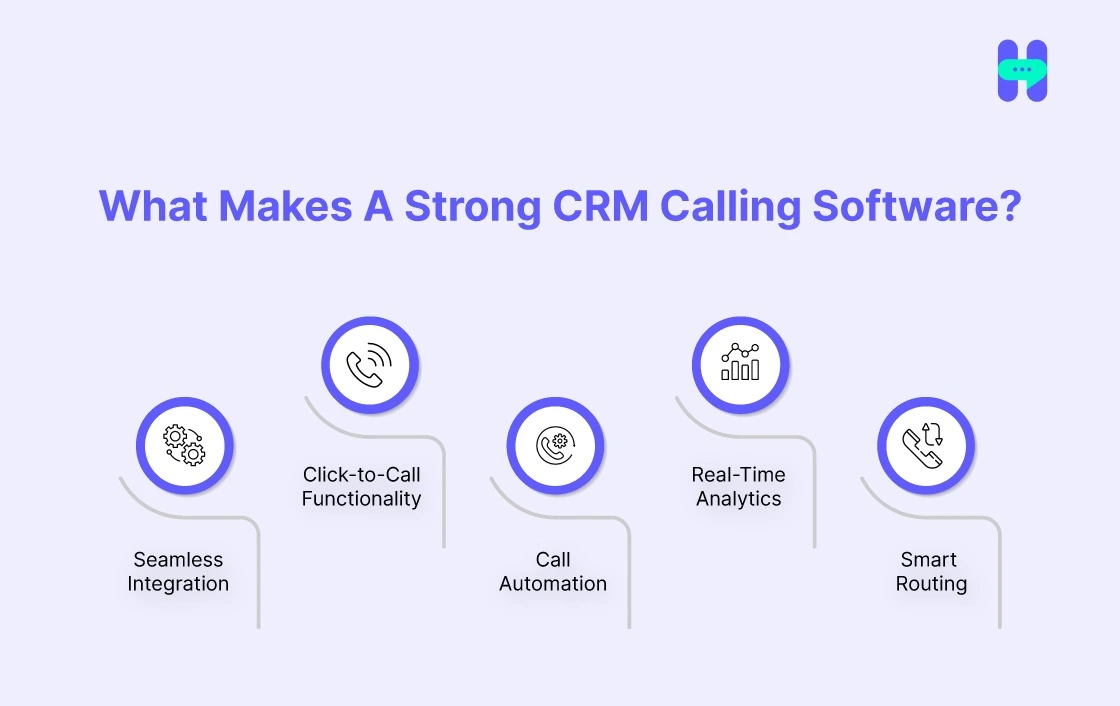
A tool that provides Voice call service for businesses will reduce your workload. Here’s what to look for in a top-tier CRM calling software:
1. CRM Connection Type
Connects to your CRM, email, and helpdesk without middleware or a third-party sync tool. Native connections stay accurate; workaround connections drift.
2. Click-to-Call
Reps start calls from the contact record, not a separate dialer app. Fewer dialing errors, every call tied to the right deal.
3. Call Automation
Auto-dialers, voicemail drops, and scheduled callbacks cut repetitive dialing work, especially for high-volume outbound teams.
4. Real-Time Analytics
Live dashboards show call volume, connect rates, and rep performance as they happen, not in a weekly report.
5. Smart Routing
Calls route to the right rep by territory, deal stage, or customer type, not a flat round robin.
Top 5 CRM Calling Software Tools
#1. HelloSend
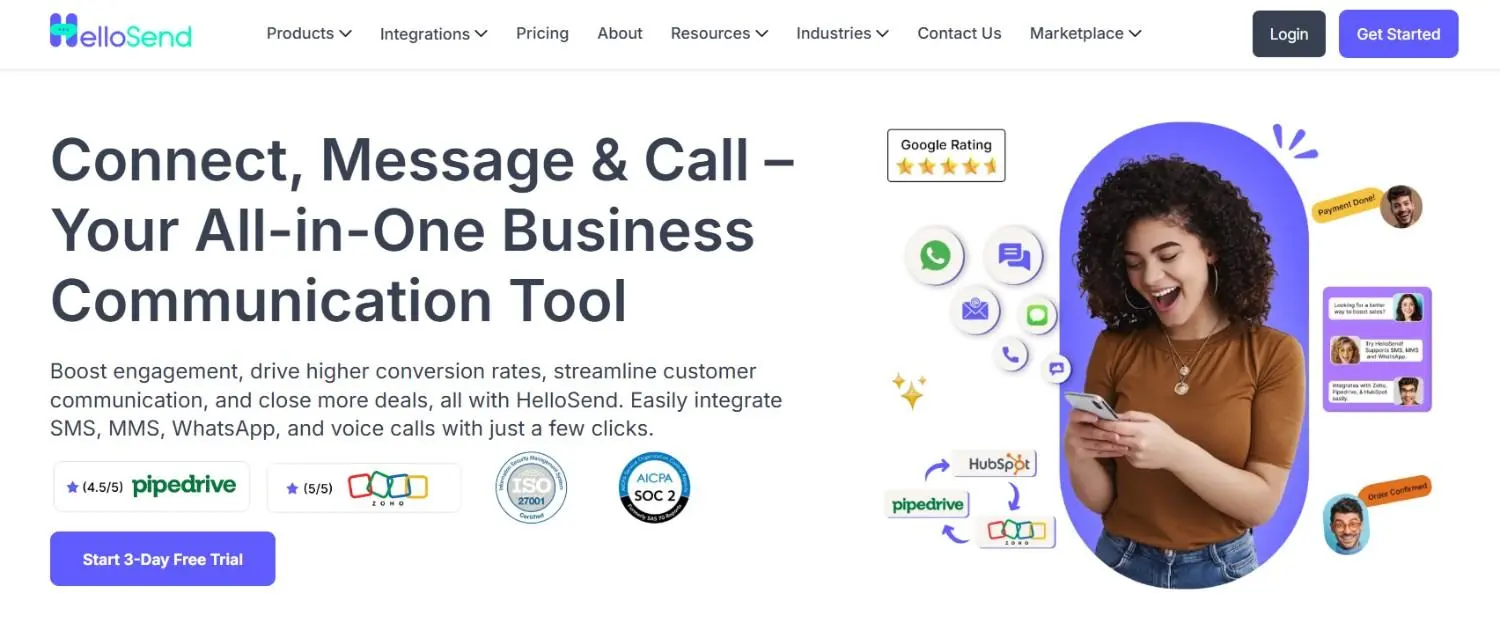
HelloSend brings your voice calling directly into your CRM, making it easier than ever to connect with customers. With just one click, you can start a call right from the CRM, ensuring you never miss a beat.
No more switching between platforms because HelloSend integrates very easily with your CRM. So all your customer data and conversations are in one place. It is the best CRM VoIP integration. This CRM software is built with calling features. It will deliver the best results to you.
Whether you are following up on a lead or providing support, everything you need is right at your fingertips.
Additionally, you reach your customers by doing SMS Marketing and WhatsApp Marketing with HelloSend.
Top 06 Features Of HelloSend
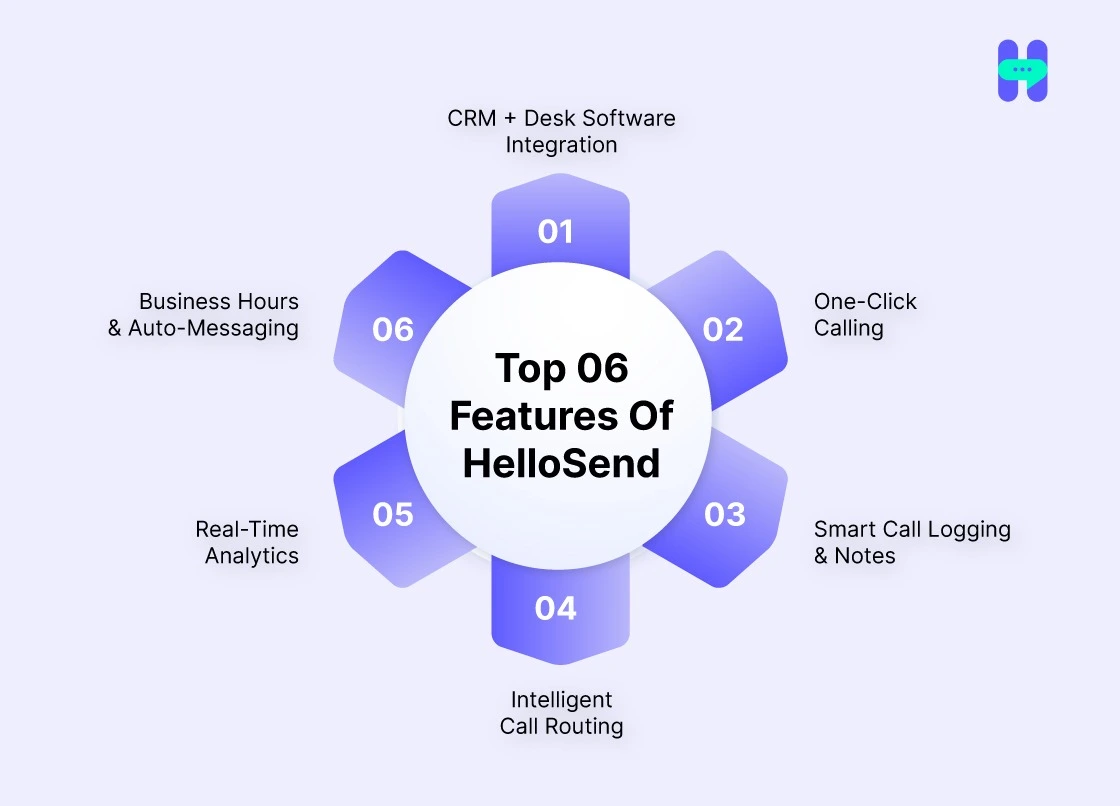
- CRM + Desk Software Integration: Make and receive calls directly from your CRM or helpdesk tools like Zoho, Pipedrive, or HubSpot no switching tabs, no context lost.
- One-Click Calling: Sales and support teams can initiate calls instantly from within customer records, cutting dialing time and improving daily productivity by up to 35%.
- Smart Call Logging & Notes: Every call is auto-logged with time-stamps, notes, and recordings, giving your team complete visibility and historical context in one place.
- Intelligent Call Routing: Reduce wait times by up to 60% using role-based routing. Automatically direct calls to the right team member for faster issue resolution.
- Real-Time Analytics: Track call performance, success rates, and team metrics through live dashboards, you can optimize conversations and close more deals.
- Business Hours & Auto-Messaging: Set business hours, auto-responses for missed calls, and use customizable voice messages to manage customer expectations professionally when offline.
HelloSend Pricing:
HelloSend has one of the most affordable pricing plans available for your business.
Check out HelloSend pricing plans.

#2. Aircall
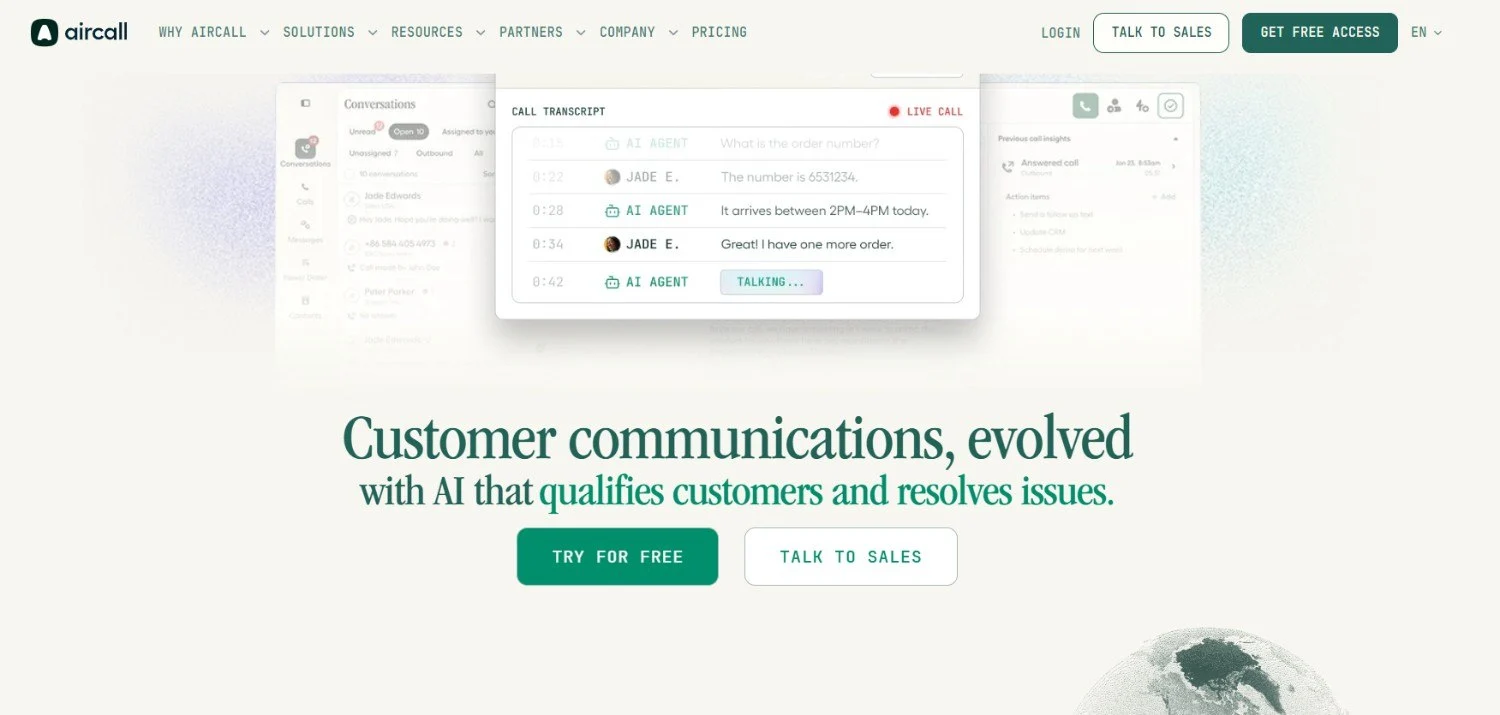
Aircall is a cloud-based phone solution offering basic CRM connectivity and calling features. It supports integrations with popular tools and is generally used by teams seeking quick deployment for voice support.
Features:
- Call queuing, warm transfer, and shared inbox
- Call routing
#3. Dialpad
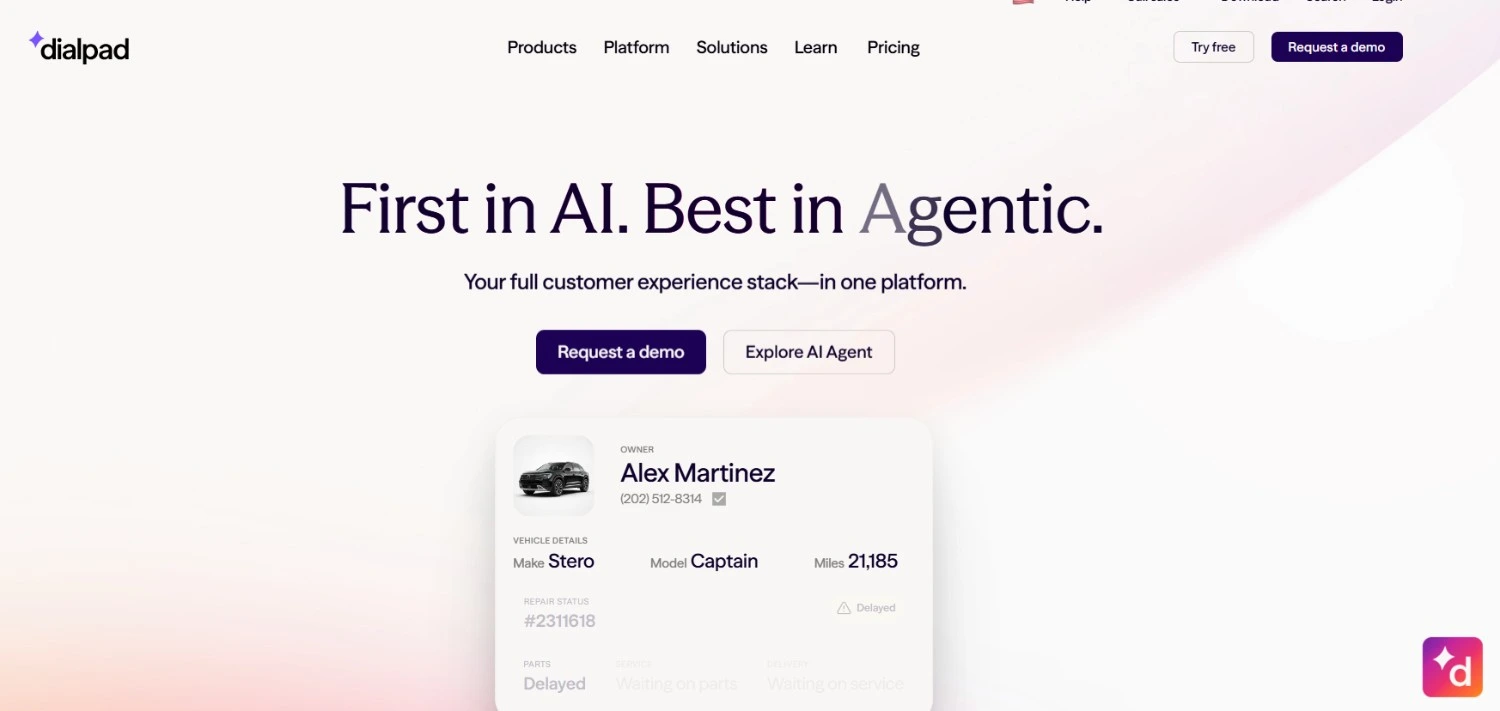
Dialpad provides voice and communication services with built-in AI features. It combines calling, video, and chat into one platform and is typically chosen by teams that value visibility into conversations.
Features:
- Voice transcription, sentiment analysis
- Unified communications: voice, video, chat
#4. JustCall
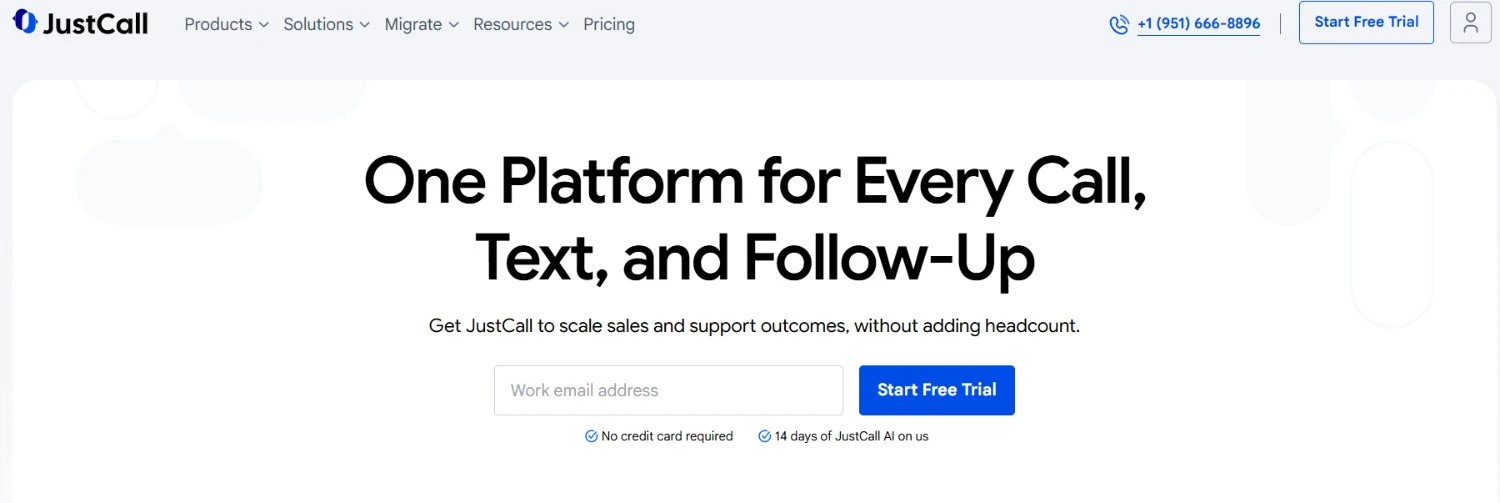
JustCall is a VoIP tool with standard sales calling features and wide CRM compatibility. It includes dialers, SMS, and basic analytics, making it a go-to for outbound call teams that handle volume.
Features:
- Click-to-call, SMS workflows, voicemail drops
- Sales leaderboard, call recording, analytics
#5. CloudTalk
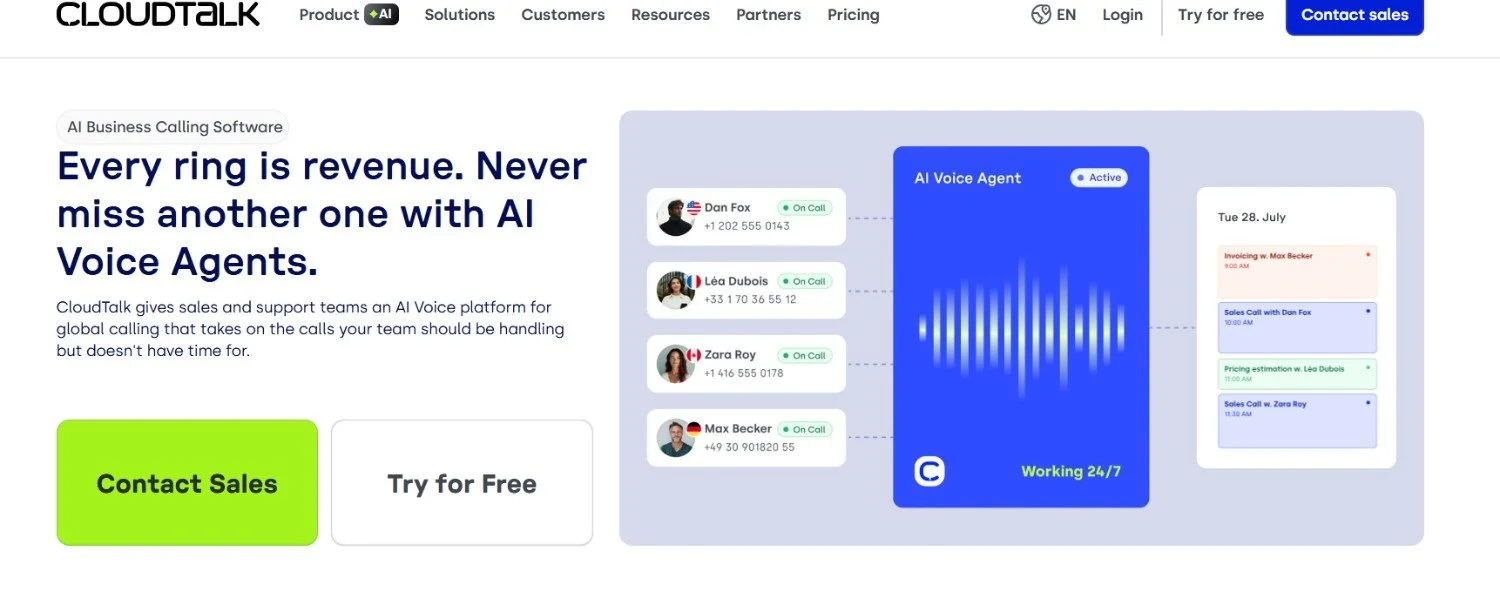
CloudTalk delivers a straightforward VoIP solution aimed at international support and sales use cases. With global number support and standard call center tools, it serves distributed teams needing basic scalability.
Features:
- Smart dialer, IVR, call tagging, call notes
- CRM integrations + agent call monitoring
#6. Freshcaller
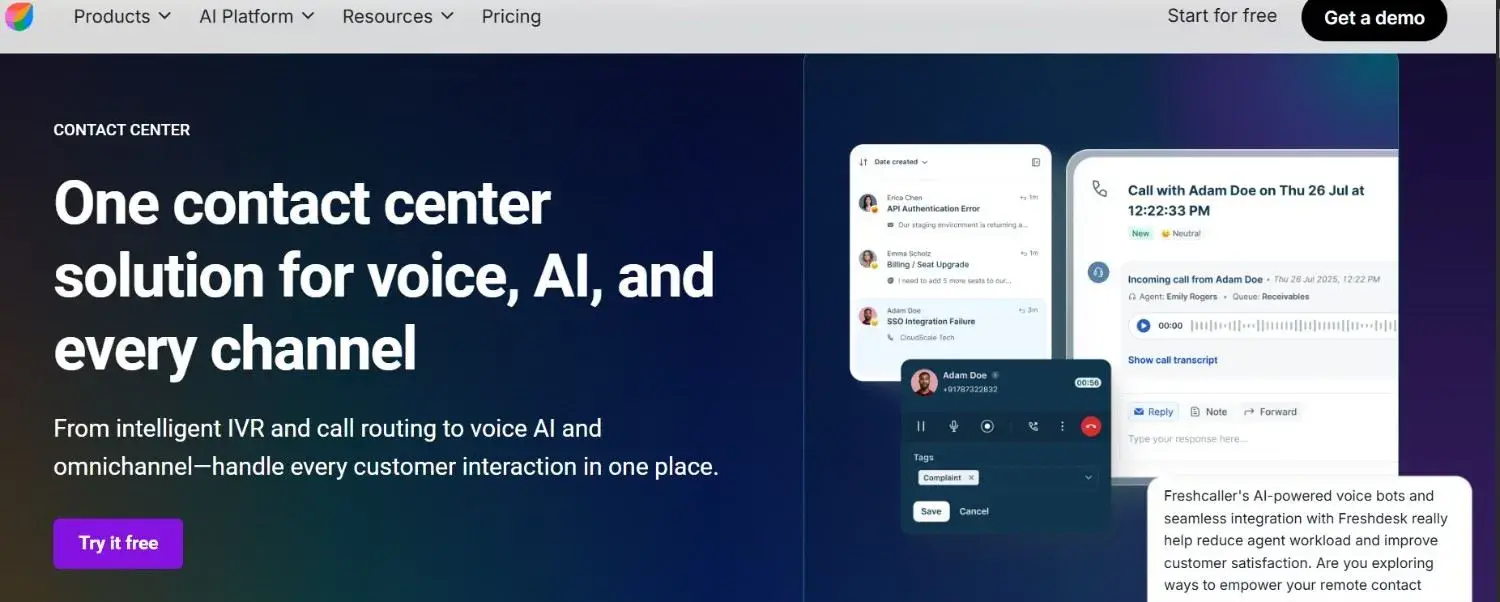
Freshcaller is a cloud-based phone system designed to meet the needs of modern support teams. It offers call routing, real-time analytics, and seamless CRM integrations to ensure efficient customer interactions and enhanced support performance.
Features:
- Call routing, IVR, and voicemail
- Real-time analytics and reporting
#7. RingCentral
RingCentral provides a unified communications platform with robust CRM calling features, perfect for businesses that need integrated voice, messaging, and video capabilities. Its versatile system allows teams to stay connected and collaborate more effectively.
Features:
- VoIP calling, messaging, and video conferencing
- CRM integrations with Salesforce, HubSpot, and more
Winding Up!
Lastly, CRM calling software can reduce your workload more than you ever imagined. Modern CRM calling software brings clarity, speed, and visibility to your calls. And among all the options, HelloSend, the best voice support solution, stands out for its intelligent routing, crystal-clear quality, and seamless CRM integration.
Whether you’re scaling a sales team or supporting global customers, the time to upgrade is now. Try HelloSend to experience a more efficient CRM calling service.

FAQs
1. What is call campaign software and how does it improve connect rates?
Call campaign software automates outbound dialing sequences, tracks outcomes, and routes calls efficiently across agent teams. Manual dialing caps reps at 40–60 calls/day; a power dialer can double or triple that. Connect rates improve significantly with verified data, it typically takes 15–20 dials to reach a decision-maker.
2. How does Salesforce voice call integration work?
Tools like HelloSend let you make, record, and log calls directly in Salesforce — with full reporting.
3. What solutions offer a combination of voice calls and messaging with integration options for customer management software?
HelloSend all combined voice, SMS, and messaging with pre-built connectors for major CRMs like Salesforce, HubSpot, and Zendesk, and more.
4. Which free CRMs offer native VoIP or click-to-call in 2026?
HelloSend is a solid option. It offers VoIP-based calls directly within Zoho CRM, Pipedrive, and HubSpot, with call logging, analytics, voicemail, and call routing. HubSpot Free CRM includes built-in VoIP calling with automatic call logging directly on contact records.
5. Can voice call tools for CRM help with both sales and support?
Top tools: HelloSend, Salesforce Service Cloud Voice, and NICE CXone, all use tools routing with live CRM data to match callers to the right agent.
6. What is Salesforce dialer integration?
It connects VoIP calling directly into Salesforce, enabling click-to-call, automatic call logging, contact sync, and real-time customer context. Top tools include Aloware, RingDNA, Kixie, and Dialpad, the best ones connect natively via AppExchange with bidirectional sync, so reps never leave the CRM.
7. What platforms integrate voice, text, and scheduling with my CRM?
Most calling CRMs split this in two: voice and text live in the messaging platform, while scheduling stays inside your CRM's native calendar, like HubSpot Meetings or Salesforce Calendar. HelloSend handles voice, SMS, and WhatsApp directly inside Zoho, HubSpot, Pipedrive, Salesforce, and Zendesk, so every call and text logs to the contact record automatically. For scheduling, you're still using your CRM's built-in tools; HelloSend doesn't replace them.
8. What are the best business calling platforms with built-in CRM integration?
The right pick depends on the problem you're solving. For pure voice and CRM logging, Aircall and RingCentral cover Salesforce, HubSpot, and Zendesk well. For AI-driven transcription and coaching, Dialpad leads. For teams that want voice, SMS, and WhatsApp





.webp)
