


Summarize this blog post with:
Quick Summary
WhatsApp integration with Zoho CRM helps businesses manage customer conversations, automate follow-ups, and improve sales and support processes from one place. This blog explores the top Zoho CRM WhatsApp integration tools in 2026 to make customer communication simpler and more effective. It also highlights how HelloSend helps simplify WhatsApp communication with automation, campaigns, and centralized messaging. Find the top 8 Zoho CRM WhatsApp integration tools in 2026.
WhatsApp is one of the most effective tools for communicating with consumers in the recent high-speed business atmosphere. With more than 3 billion active customers on WhatsApp accounts, it is unsurprising that many businesses use it for marketing, sales, and customer service.
Also, many business people prefer to use WhatsApp marketing solutions to enhance customer communication.
WhatsApp can be very useful for companies that already use Zoho CRM. It can become a one-stop shop for communication and various processes. And this is one of the reasons you can also use WhatsApp Zoho CRM integration in your business.
In this blog, let me take you on a detailed exploration of the 8 best integrating WhatsApp tools for Zoho CRM in 2026 and their amazing features.
Let’s get started!
What To Look For In A WhatsApp Integration with Zoho CRM?
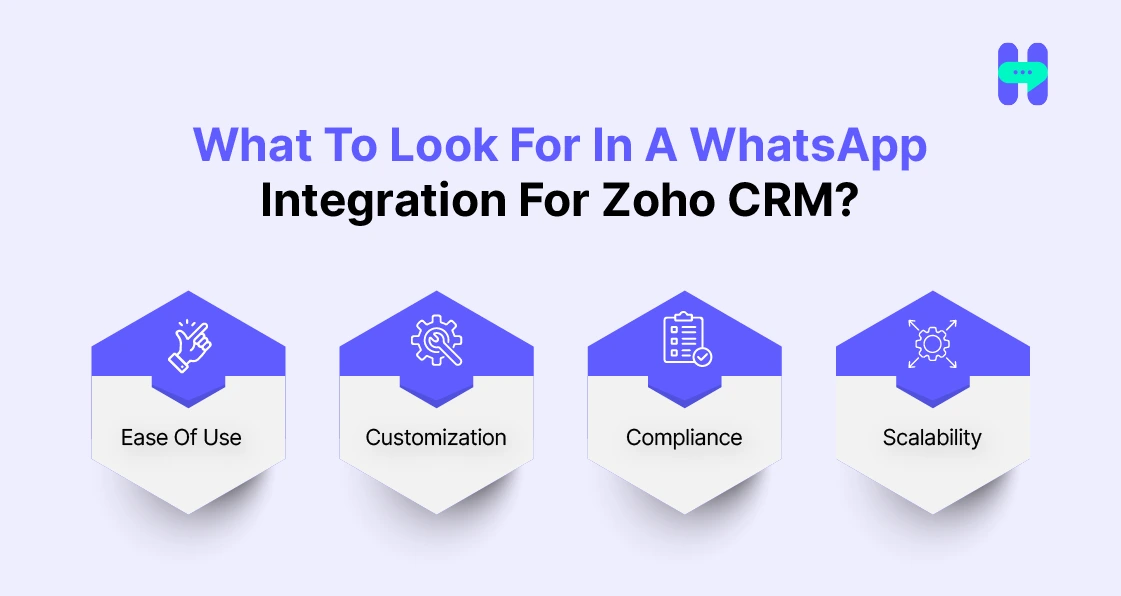
- Ease of Use - The tool should be easy and quick to set up and use, so your team can benefit.
- Customization - Search for integration opportunities that support options for more individual adaptations of the processes and incoming messages in the system.
- Compliance - To protect customers' data, integration must meet GDPR and WhatsApp Business API requirements to avoid fines.
- Scalability - Select a solution that will scale to match your business's growth. A tool for managing customer conversations should be just as effective, whether working with a hundred conversations or ten thousand.
Top 8 Zoho CRM WhatsApp Integration Tools In 2026
1) HelloSend
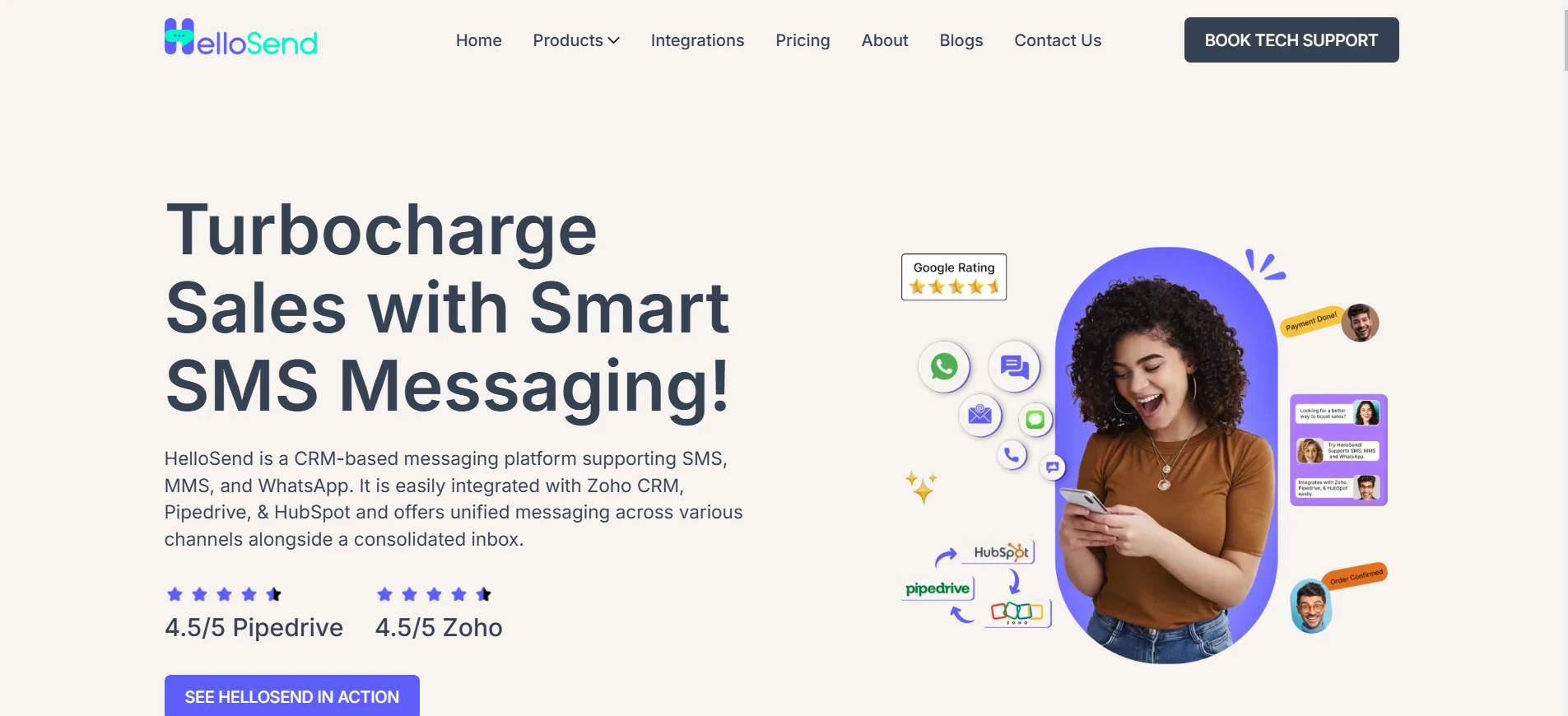
HelloSend is the one-stop platform and CRM Messaging tool for making perfect conversations with your customers. By utilizing this tool, people can send updates and messages in one go related to their businesses and many other things.
Furthermore, it makes integrating WhatsApp with Zoho CRM so businesses can manage it more efficiently and improve customer engagement.
It also offers robust solutions like WhatsApp marketing and SMS marketing, multi-channel support, and advanced automation tools.
Features:
- Unified Inbox: Combines all messages in one place.
- Automated Workflows: Manage repetitive messaging tasks automatically.
- Personalized Templates: Customize messages with contact details and media.
- Campaign Messaging: Helps people to send personalized campaigns via SMS, MMS, and WhatsApp.
- Analytics: Tracks message performance, opens, and clicks stats easily.
Pricing:
HelloSend offers flexible pricing plans designed for businesses of different sizes and messaging needs. Whether you are starting with WhatsApp campaigns or managing high-volume customer conversations, you can choose a plan that fits your requirements.
The plans include essential features like WhatsApp messaging, automation, campaigns, and CRM communication tools. Businesses can start with a suitable plan and upgrade as their messaging requirements grow.
Pricing Highlights:
- Flexible Plans: Choose a plan based on your messaging volume and business needs.
- No Long-Term Commitment: Upgrade, change, or cancel your plan anytime.
- Pay-As-You-Go Approach: Pay based on your usage without unnecessary costs.
- Free Trial Available: Explore HelloSend features before committing.
Best for: Businesses looking for a simple WhatsApp marketing and CRM messaging solution with the flexibility to scale as communication needs increase.
2) SMS Magic
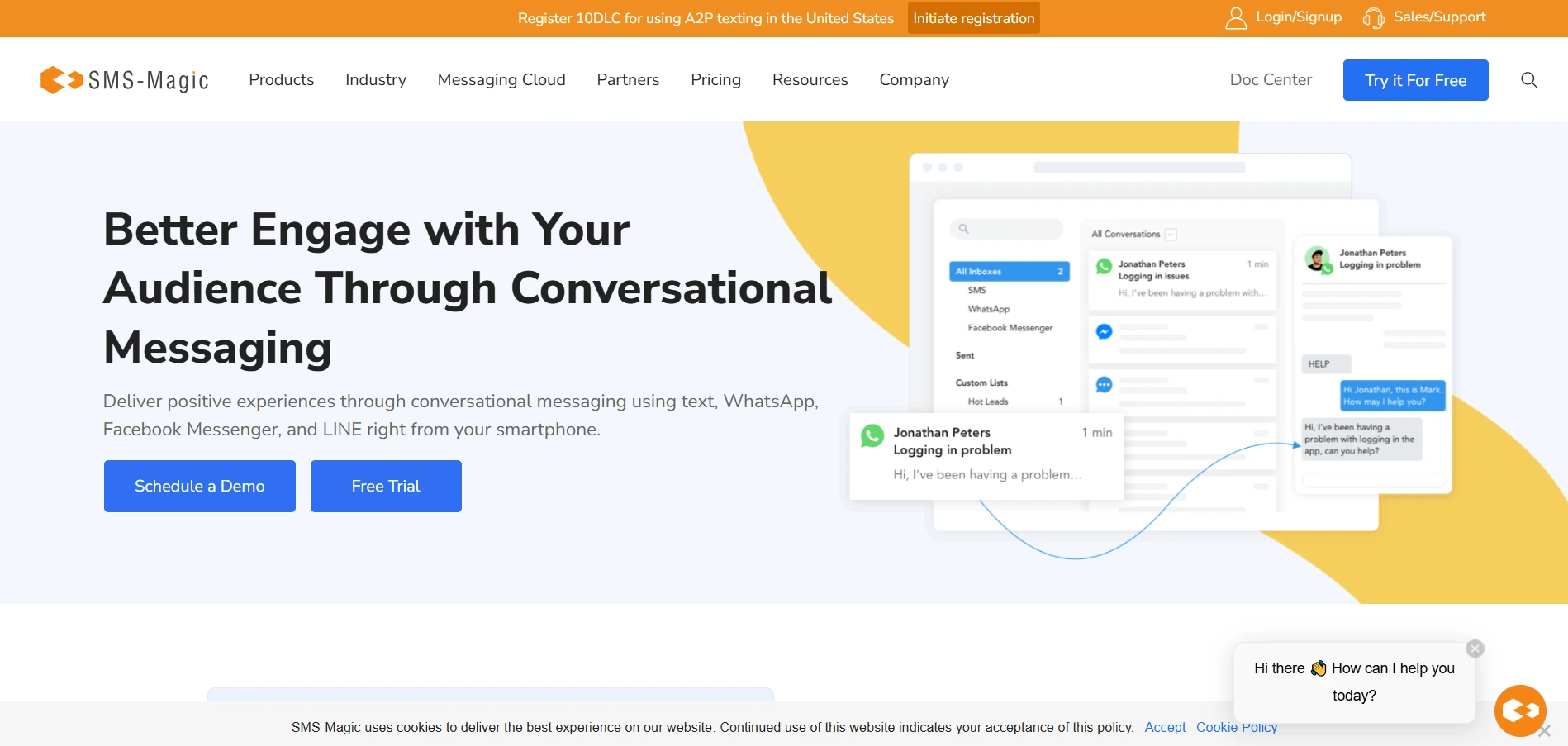
SMS-Magic is an organization messaging platform that allows organizations to communicate with their customers using conversational messaging through Short Messaging Service, WhatsApp, and Facebook Messenger.
It facilitates integration with CRMs such as Salesforce and Zoho, improving marketing, sales, and support functions.
Features:-
- SMS-Magic allows businesses to interact with customers on their preferred platforms, encouraging easy and effective communication.
- The platform integrates natively with CRMs like Salesforce and Zoho, allowing users to manage conversations directly.
Pricing:
Simple and transparent plans. Higher plans with conversational messaging and multi-channel support are available based on business requirements. A 14-day free trial is also available.
3) CRM-Messaging
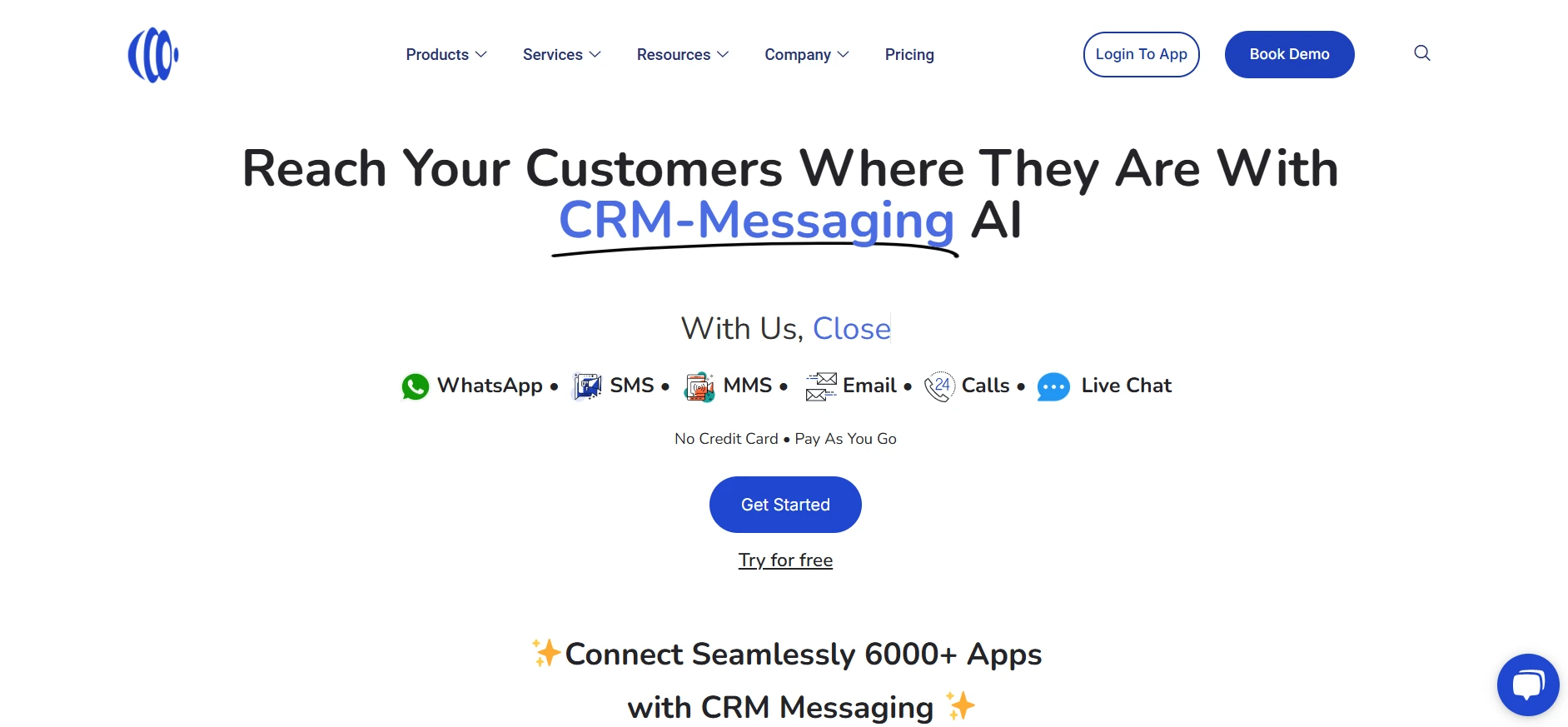
CRM Messaging is a communication platform that increases business and customer interactions. Integrating numerous channels such as SMS, WhatsApp, email, voice calls, and live chat simplifies outreach actions.
The platform seamlessly integrates with popular CRMs like Zoho, enabling efficient customer relationship management.
Features:
- CRM Messaging reduces numerous communication channels into one platform, including SMS, WhatsApp, email, voice calls, and live chat.
- The platform shows automation abilities, permitting businesses to automate actions based on typical events.
Pricing:
Simple, Budget-Friendly Plans with 7-Day Money-Back Guarantee. You can pay only for what you use. Also, you can cancel it anytime.
4) WATI (WhatsApp Team Inbox)
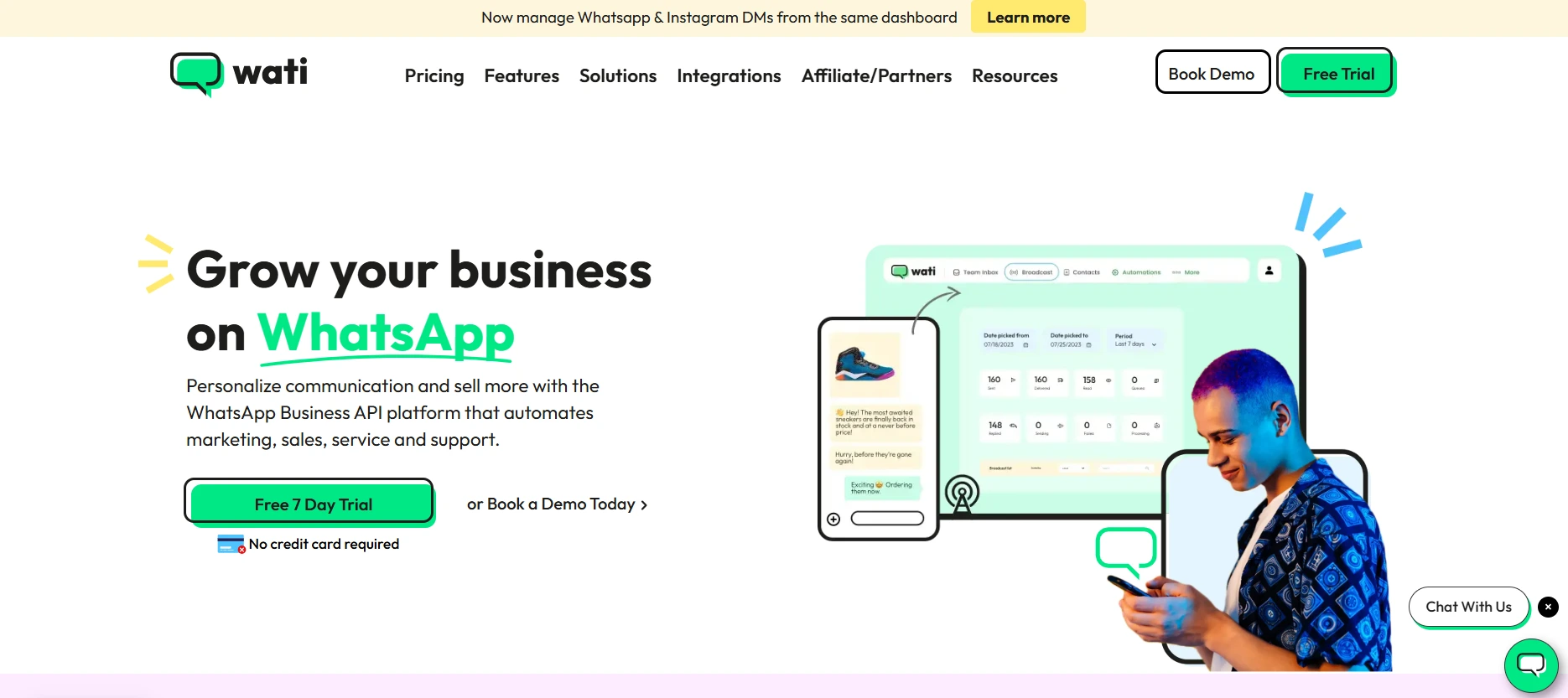
WATI has a team inbox solution perfect for small—to medium-sized businesses dealing with customers. Since it boasts a shared inbox, it can adequately support multiple teams in responding to conversations.
WATI also offers chatbot automation to third parties for time convenience and to guarantee compatibility with Zoho CRM.
Features:
- Shared inbox for teams.
- Chatbots for automation.
Pricing:
Gallabox pricing starts at ₹2,399/month for the Basic plan (billed quarterly). Higher plans are available with more automation features, integrations, and user limits. Additional WhatsApp messaging charges may apply.
5) Gupshup
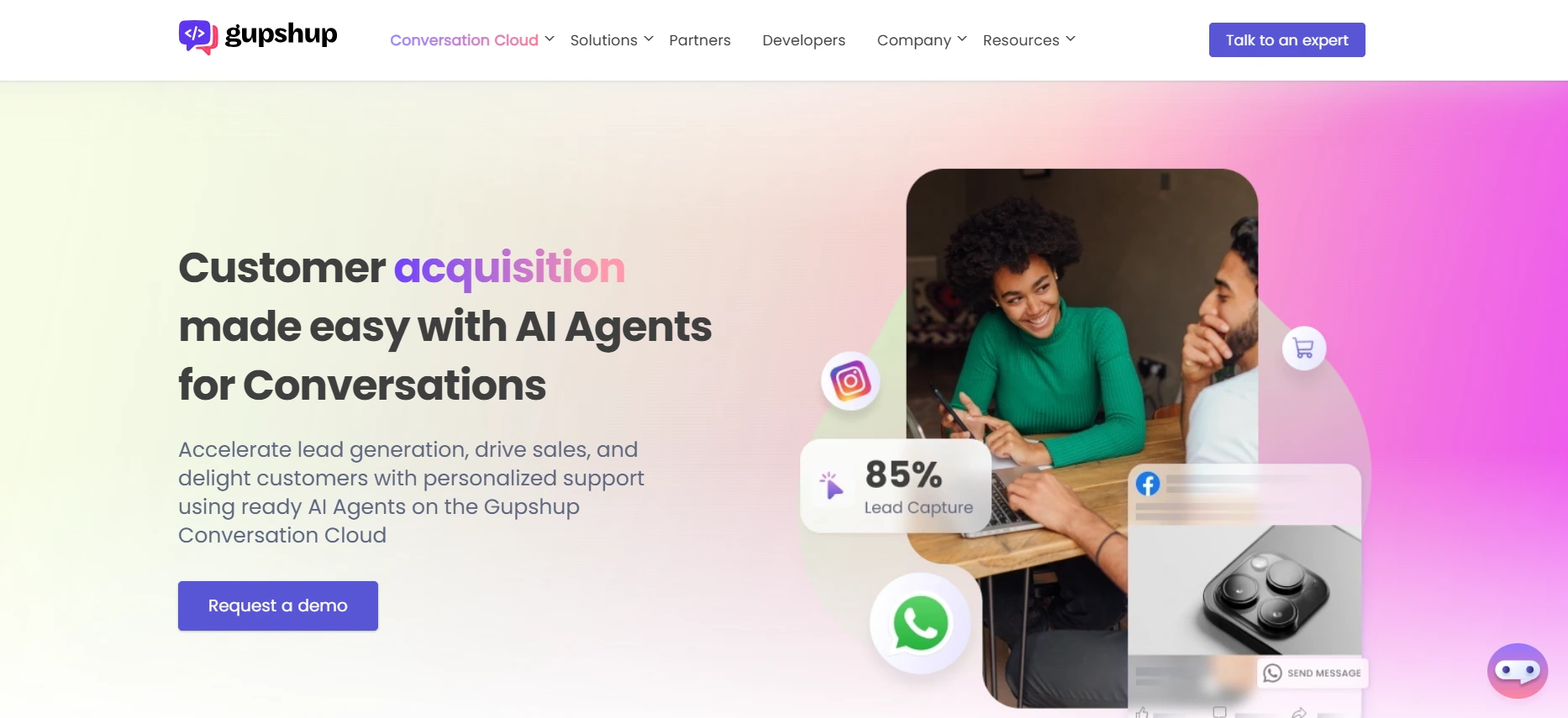
Gupshup is a conversational engagement platform that helps businesses connect with customers through diverse messaging channels, including SMS, WhatsApp, and more.
Enabling easy interactions enhances customer experiences and drives business growth.
Features:-
- Gupshup helps businesses engage with customers on more than 10 messaging channels, ensuring a suitable communication strategy that meets customers where they are.
- The platform provides advanced AI capabilities, permitting businesses to create intelligent chatbots and automate interactions, enhancing efficiency and customer satisfaction.
Pricing:
Gupshup follows a custom pricing model based on business needs, messaging volume, and WhatsApp Business API usage. Businesses need to contact Gupshup for a customized quote.
6) Interakt
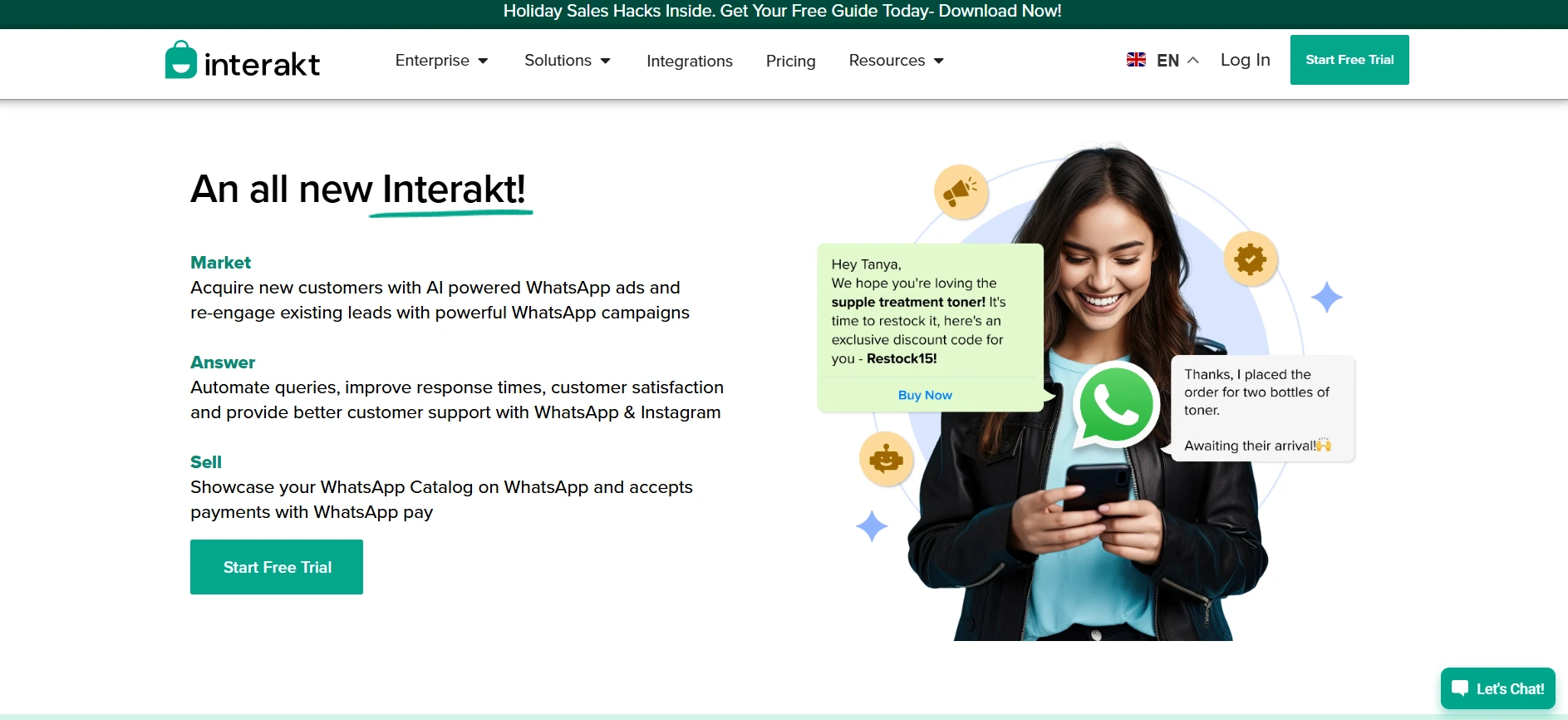
Interakt is a simple WhatsApp marketing solution that works beautifully with Zoho CRM. It is mainly designed to automate sending customer notification messages while providing templates that can be sent out.
Features:
- Most important, it involves the use of automated notifications and reminders.
- Quick access to chat history.
Pricing:
Interakt’s Starter plan starts at ₹3,499 per quarter. Additional WhatsApp conversation charges may apply based on usage.
7) WA Web Plus
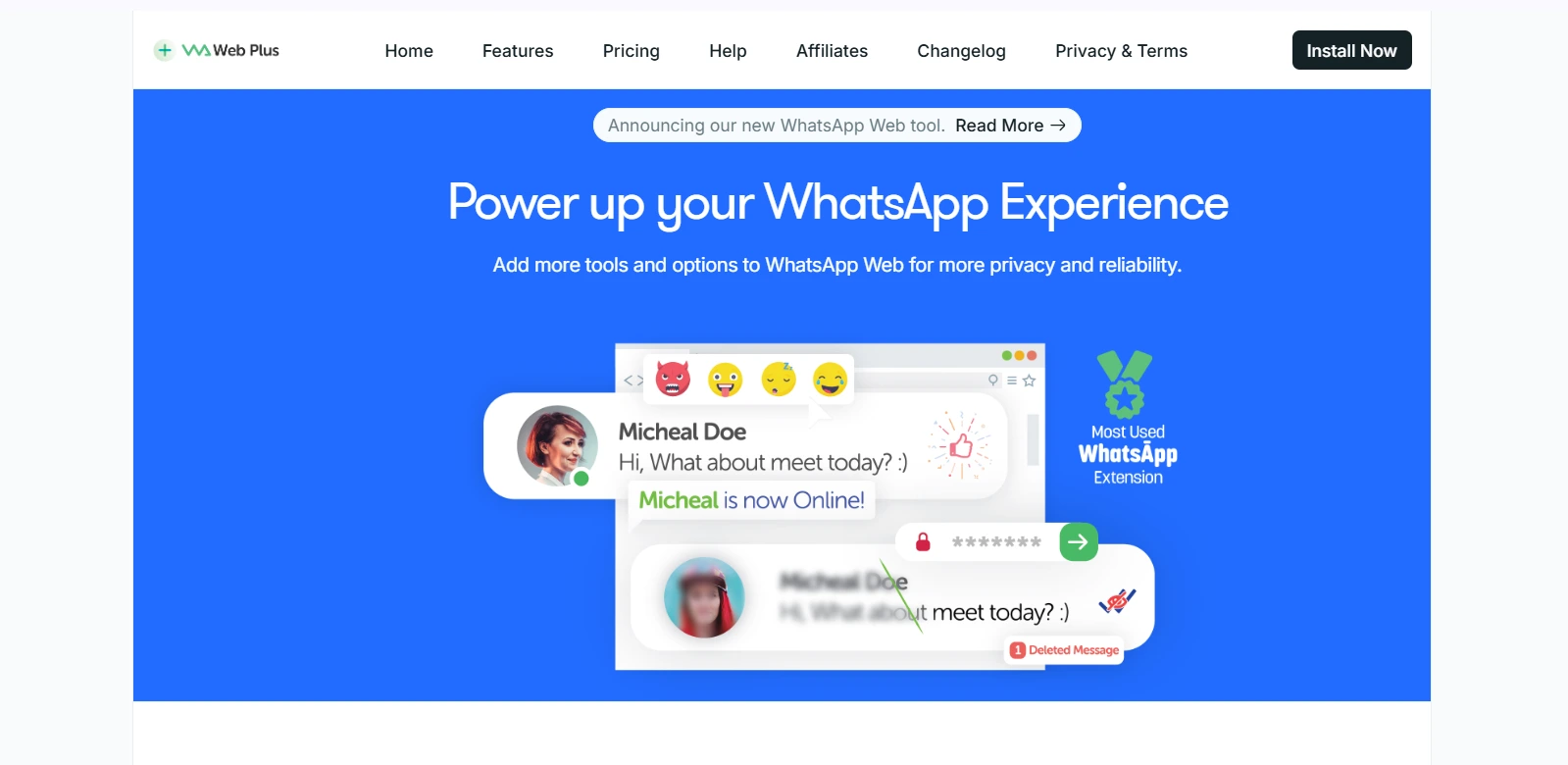
WA Web Plus is a Chromium extension that adds new features to the WhatsApp Web experience. It can send a range of messages and can also be easily connected to Zoho CRM.
WA Web Plus is helpful for start-ups or small companies looking to build quick and cheap customer relations.
Features:
- Bulk messaging capabilities.
- Easy Zoho CRM integration.
Pricing:
WA Web Plus offers a free plan, while paid plans start at $14.99/month for the Starter plan. It provides additional features like broadcasting, templates, and automation tools for growing teams.
8) DelightChat
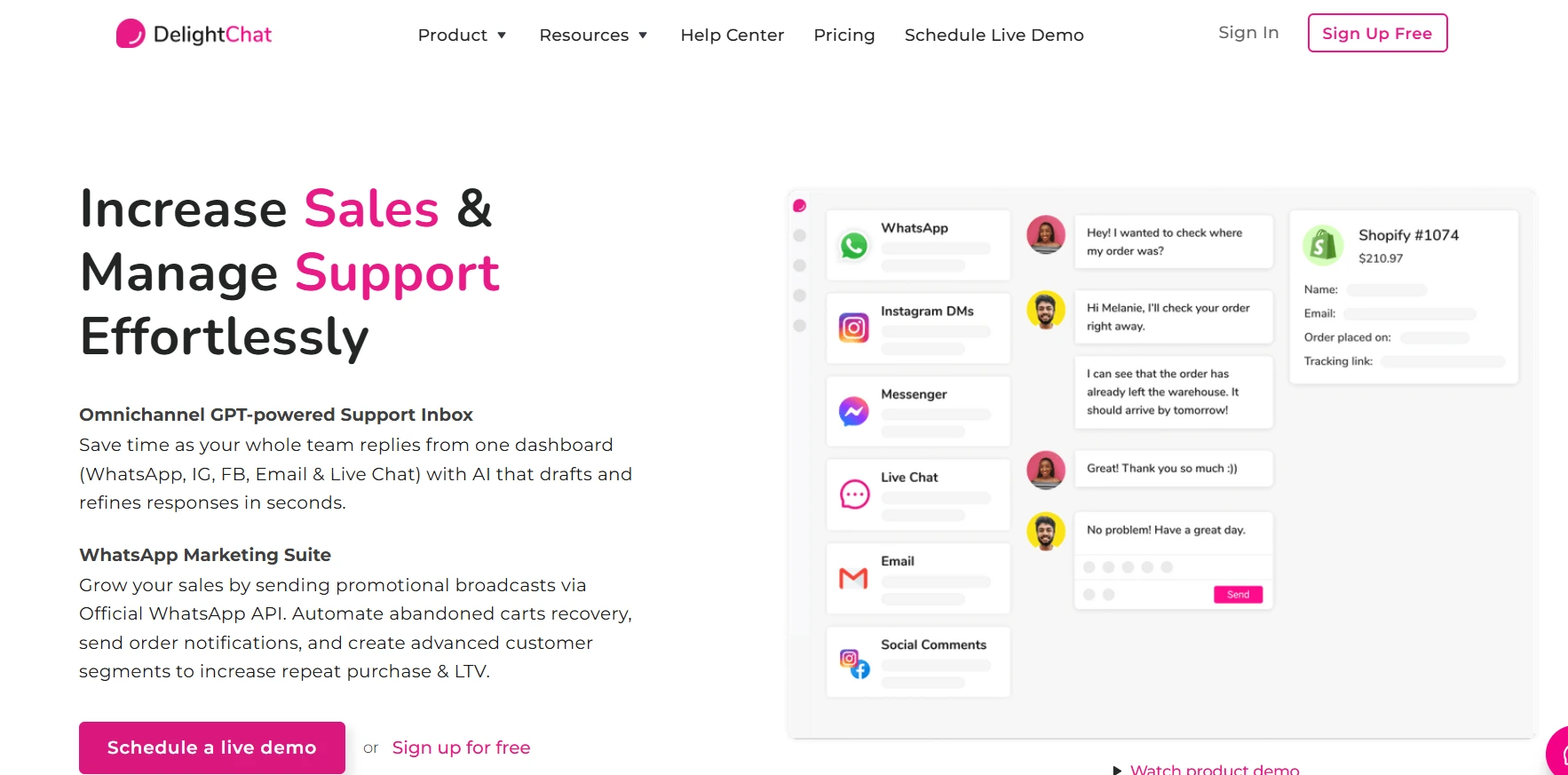
DelightChat is a customer support and WhatsApp marketing platform that helps businesses manage conversations from WhatsApp, Instagram, Facebook, and email in one place. It supports WhatsApp Business API integration to help teams automate replies, manage customer queries, and run campaigns.
Businesses looking for WhatsApp integration with Zoho CRM can use DelightChat to connect customer conversations with their existing workflows. It is a good option for ecommerce brands that want to manage sales and support communication through WhatsApp.
Features:
- Shared Inbox: Manage customer conversations from multiple channels in one dashboard.
- WhatsApp Automation: Automate replies, notifications, and follow-ups using WhatsApp Business API.
- Campaign Messaging: Send targeted WhatsApp messages to customers.
Pricing:
DelightChat offers paid plans starting from $49/month. Pricing varies based on features, team members, and messaging requirements.
Step-By-Step Guide: How To Integrate WhatsApp With Zoho CRM Using HelloSend
Step 1: Install HelloSend
First and foremost, to use HelloSend you need to install it. You can effortlessly do it by clicking here. It will be installed in Version 3.0 with the Latest Released date of November 15, 2024.
Additionally, HelloSend is an all-in-one WhatsApp marketing solution enriched with numerous features to be easily integrated into Zoho CRM.
Assess its performance and choose the plan that would be most appropriate to your business.
Step 2: Begin The Setup In HelloSend
To set up HelloSend, you must go to the channel > WhatsApp. After that, click on " Connect " to start the integration.
Step 3: Connect To Facebook
After completing step 2, you’ll be redirected to Facebook. You can continue with your Facebook account or log in with a different account if you have already logged in.
Now, click on Get Started to allow HelloSend access to manage your WhatsApp account via Facebook.
Step 4: Enter Business Information
After completing step 3, you need to fill in your business details, which include:
- Your Business Name
- Your Business Email Address
- Your Business Website
- Now click on Next to continue.
Step 5: Enter Business Information
Pick an existing WhatsApp Business Account or make a new one. Create or select a business profile, and then click Next.
Step 6: Set Up Your WhatsApp Business Profile
After completing step 5, if you want to create a new profile, enter:
- Your WhatsApp Business Account Name
- Your Display Name
- Your Business Category
- Then Click On Next
Step 7: Verify Your Phone Number
Enter the phone number you want to use for WhatsApp Business.
- Select a verification method, such as Text Message or Phone Call.
- Enter the verification code received and click on Next.
Step 8: Review Permissions And Complete Setup
- Review the required permissions and click on Continue.
- Then, finalise the setup. Meta will review your business, but you can use the number instantly for business conversations.
Step 9: WhatsApp Templates
Lastly, once the WhatsApp number is successfully connected, click "Add Templates" to import the WhatsApp template into HelloSend. Then you are done.
Best Practices For Using WhatsApp With Zoho CRM
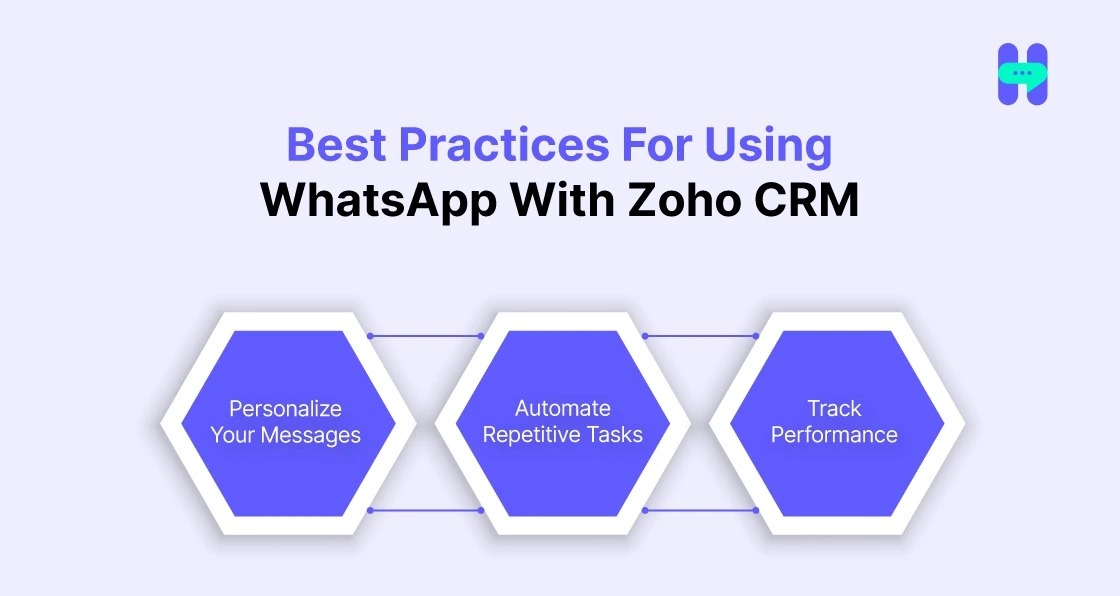
1) Personalize Your Messages
- Engagement depends on personalization, so we consider Zoho CRM WhatsApp business integration to fit the bill. You can tailor messages for your audience using customer data, including their buying habits and previous purchases.
- Using appropriate messages improves customer relations and makes the entire process more enjoyable.
2) Automate Repetitive Tasks
- When automated, communication is better and more effective, and WhatsApp integrated with Zoho CRM optimizes repeated scenarios.
- With the help of chatbots or auto-replies, you can quickly respond to frequently asked questions, and in case of customer queries, you can react immediately. This helps your team save time whilst delivering a professional and efficient service.
3) Track Performance
- To maximize the performance of your WhatsApp number, analyze the resultswith relevant metrics that include the response time to messages being sent, the open rate of the received messages, and the conversion rates.
- Implementing analytics in Zoho CRM allows you to track customer relations and see where improvements need to be made. Measuring these factors allows one to evaluate the effectiveness of one's communication strategy.
Conclusion
Lastly, WhatsApp integration with Zoho CRM is a win-win for any company operating in one of the most connected sectors.
And as we have already mentioned the benefits of using Zoho CRM integration with WhatsApp we hope the readers get an idea to apply it in their business.
Additionally, it can be used for communication and increases productivity through its ability to manage and analyze workflow and give insights on its own.
Begin integrating West activities immediately with HelloSend, the best WhatsApp and Zoho CRM connector. So, what are you waiting for?
FAQ
1. What are the benefits of WhatsApp integration with Zoho CRM?
A Zoho CRM WhatsApp integration helps businesses manage customer conversations, automate follow-ups, personalize messages, and streamline sales and support workflows from a single platform. It also provides better visibility into customer interactions.
2. Is it essential to have a WhatsApp Business account for Zoho CRM integration?
Yes, most Zoho CRM WhatsApp integrations require a WhatsApp Business account connected through the WhatsApp Business API. This allows businesses to send automated messages, manage templates, and handle customer communication at scale.
3. Can I send bulk WhatsApp messages from Zoho CRM?
Yes, businesses can send bulk WhatsApp messages from Zoho CRM using approved integration tools like HelloSend. These tools help run campaigns, send updates, and share personalized messages while following WhatsApp Business API guidelines.
4. Which is the best WhatsApp integration for Zoho CRM?
The best WhatsApp integration with Zoho CRM depends on your business needs, such as automation, campaign management, CRM syncing, and analytics. Platforms like HelloSend help businesses manage Zoho and WhatsApp integration with unified messaging, workflows, and campaign features.





.webp)
